
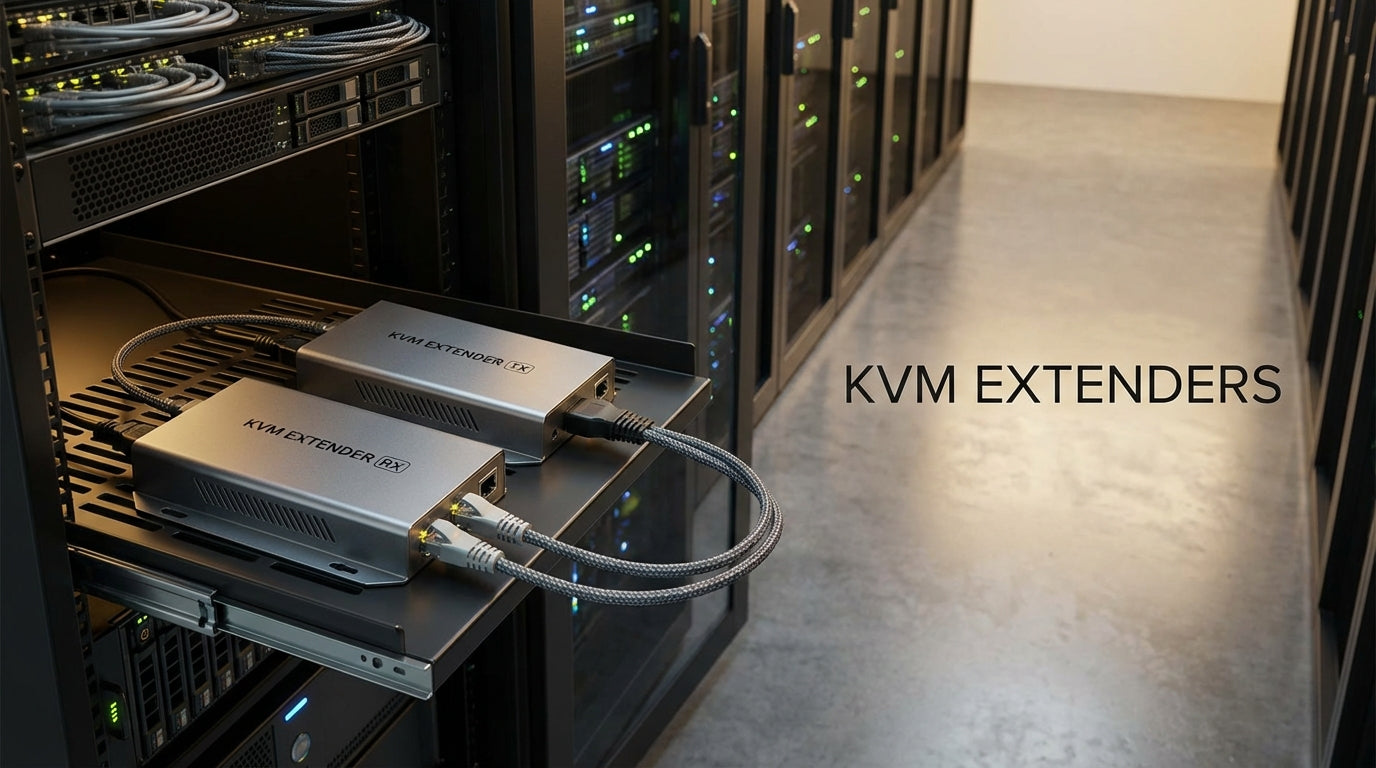
KVM Extenders Buying Guide: How to Choose the Right System
Introduction
KVM extenders allow you to place your keyboard, video display, and mouse far from the source computer or server while maintaining responsive control. Whether you need to move noisy equipment to a secure room, extend console access across a data center, or control industrial systems from a safe distance, choosing the right KVM extender involves understanding distance limitations, video quality requirements, and connectivity options.
This guide helps you navigate the key decision points so you can select a system that meets your specific distance, resolution, and reliability needs. Tecisoft offers a comprehensive range of KVM extenders designed for business, industrial, and data center applications.
Key Distance and Transmission Options
CAT5e/CAT6 Copper Extensions
Most cost-effective for moderate distances:
- Standard range: 80-260 feet for 1080p HDMI over CAT5e/6
- High-resolution impact: 4K or dual-monitor setups reduce maximum distance to 60-200 feet
- VGA legacy systems: Can extend up to 330 feet over copper cables
- Best for: Office environments, short server room runs, cost-sensitive deployments
Fiber Optic Extensions
For long-distance and mission-critical applications:
- Multimode fiber: Up to 1 kilometer (3,280 feet) with excellent signal quality
- Single-mode fiber: Up to 30 kilometers for campus or site-to-site connections
- Advantages: EMI immunity, security, uncompressed video at any distance
- Best for: Data centers, industrial facilities, campus networks, broadcast facilities
Wireless KVM Extenders
Flexible but distance-limited option:
- Typical range: Up to 500 feet line-of-sight
- Environmental factors: Walls, metal structures, and RF interference reduce range significantly
- Best for: Temporary setups, presentation environments, situations where cable runs are impractical
Video Quality and Resolution Considerations
Resolution Support Levels
- 1080p (1920×1080): Standard for most business applications, well-supported across all extender types
- 1920×1200: Common in professional monitors, requires higher-grade extenders
- 4K (3840×2160): Available in premium models, often limited to 30Hz refresh rate over copper
- Dual-monitor: Significantly reduces maximum extension distance, especially over copper
Compression vs. Uncompressed
Uncompressed transmission provides:
- Pixel-perfect image quality
- Zero added latency
- Essential for graphics work, trading floors, medical imaging
- Typically requires fiber or short copper runs
Compressed transmission offers:
- Extended distance capabilities
- Lower cost solutions
- Acceptable for general business use, monitoring, and control applications
- May introduce slight latency or visual artifacts
USB and Peripheral Support
USB Capability Levels
HID-only (Human Interface Device):
- Supports standard keyboards and mice
- Lower cost and complexity
- Sufficient for basic server console access
Full USB 2.0 transparency:
- Supports webcams, audio devices, touch screens, and storage devices
- Data rates up to 480 Mbps
- Required for interactive applications and modern peripherals
- Check power output specifications for USB device requirements
Additional Connectivity Features
- Audio passthrough: Essential for multimedia applications
- Serial (RS-232): Required for industrial equipment control
- IR control: Allows remote control of source equipment
- Local video loop-out: Enables monitoring at both source and remote locations
Latency and Performance Requirements
Low-Latency Applications
Critical for:
- Financial trading systems
- Real-time control rooms
- Medical imaging and diagnostics
- Interactive presentations and training
Solution approach: Choose uncompressed extenders with specifications listing "near-zero latency" or specific latency measurements under 1ms.
Standard Business Applications
Acceptable latency for:
- Server administration
- Office productivity
- Digital signage control
- General monitoring applications
Solution approach: Compressed extenders with reasonable latency (under 10ms) provide cost-effective solutions.
Common Business Use Cases
Data Center and Server Room Applications
- Challenge: Access servers and network equipment without entering noisy, climate-controlled environments
- Solution requirements: Reliable fiber or CAT6 extenders with 100-1000+ foot range
- Key features: Serial console support, ruggedized design, rack-mountable form factors
Industrial and Manufacturing
- Challenge: Control systems located in hazardous, dusty, or vibration-prone areas
- Solution requirements: Industrial-grade extenders rated for extreme environments
- Distance needs: Often 300+ meters from control room to equipment
- Key features: Wide temperature range, ESD protection, sealed enclosures
Corporate Office Environments
- Challenge: Reduce desk clutter and noise while maintaining full PC functionality
- Solution requirements: Cost-effective CAT5e/6 solutions for 50-200 foot runs
- Key features: Full USB 2.0 support, audio, compact desktop receivers
Broadcast and Media Production
- Challenge: Control high-performance systems from quiet studios or control rooms
- Solution requirements: Uncompressed video, low latency, professional-grade reliability
- Key features: 4K support, dual-monitor capability, audio integration
Environmental and Reliability Factors
Installation Environment Considerations
- EMI/RFI sensitivity: Fiber provides complete immunity; shielded copper acceptable for most environments
- Temperature extremes: Industrial units often rated -40°C to +75°C vs. standard office 0°C to +50°C
- Dust and moisture: Sealed enclosures and conformal coating for harsh environments
- Power requirements: Some units offer Power over Cable (PoC) to reduce remote power needs
Security Considerations
- Physical security: Fiber cables are difficult to tap compared to copper
- EMI emissions: Fiber produces no electromagnetic signatures
- Access control: Some extenders support authentication or encryption features
Frequently Asked Questions
What's the maximum distance I can extend 4K video over standard network cable?
Most 4K HDMI KVM extenders support 60-200 feet over CAT6 cable, depending on refresh rate and compression. For longer distances with 4K, fiber optic extenders are recommended.
Can I use existing network infrastructure for KVM extension?
Dedicated point-to-point cable runs are required for most KVM extenders. Standard network switches and shared infrastructure typically cannot handle the bandwidth and latency requirements.
Do wireless KVM extenders work through walls and floors?
Wireless range decreases significantly through building materials. Expect 50-100 feet through typical office walls, much less through concrete or metal structures. Line-of-sight provides the best performance.
What's the difference between KVM extenders and remote desktop software?
KVM extenders provide hardware-level control with no software dependencies, working even during boot, BIOS access, and system crashes. They offer lower latency and don't consume network bandwidth like remote desktop solutions.
Can I daisy-chain multiple KVM extenders for greater distance?
Most extenders are designed for single-hop operation. For very long distances, choose extenders specifically rated for your total distance requirement, typically using fiber optic transmission.
How do I calculate power requirements for remote USB devices?
Check the extender's USB power output specification (typically 5V, 1-2A total). Sum the power requirements of all connected USB devices and ensure they don't exceed the extender's capability.
Making Your Selection
Start by defining your core requirements:
- Measure your required distance and choose transmission medium accordingly (copper for under 200 feet, fiber for longer runs)
- Specify your video requirements including resolution, refresh rate, and number of monitors
- List your peripheral needs including USB devices, audio, and any special interfaces
- Consider your environment including temperature, EMI, and physical security requirements
- Evaluate your latency tolerance based on application criticality
Once you've defined these parameters, compare 2-3 shortlisted options focusing on specifications that matter most to your application. Consider future expansion needs and choose extenders with some capability headroom.
Explore our comprehensive KVM extender range at Tecisoft to find solutions that match your specific distance, performance, and environmental requirements.
Ready to find the right solutions for your needs?
Explore Collection




