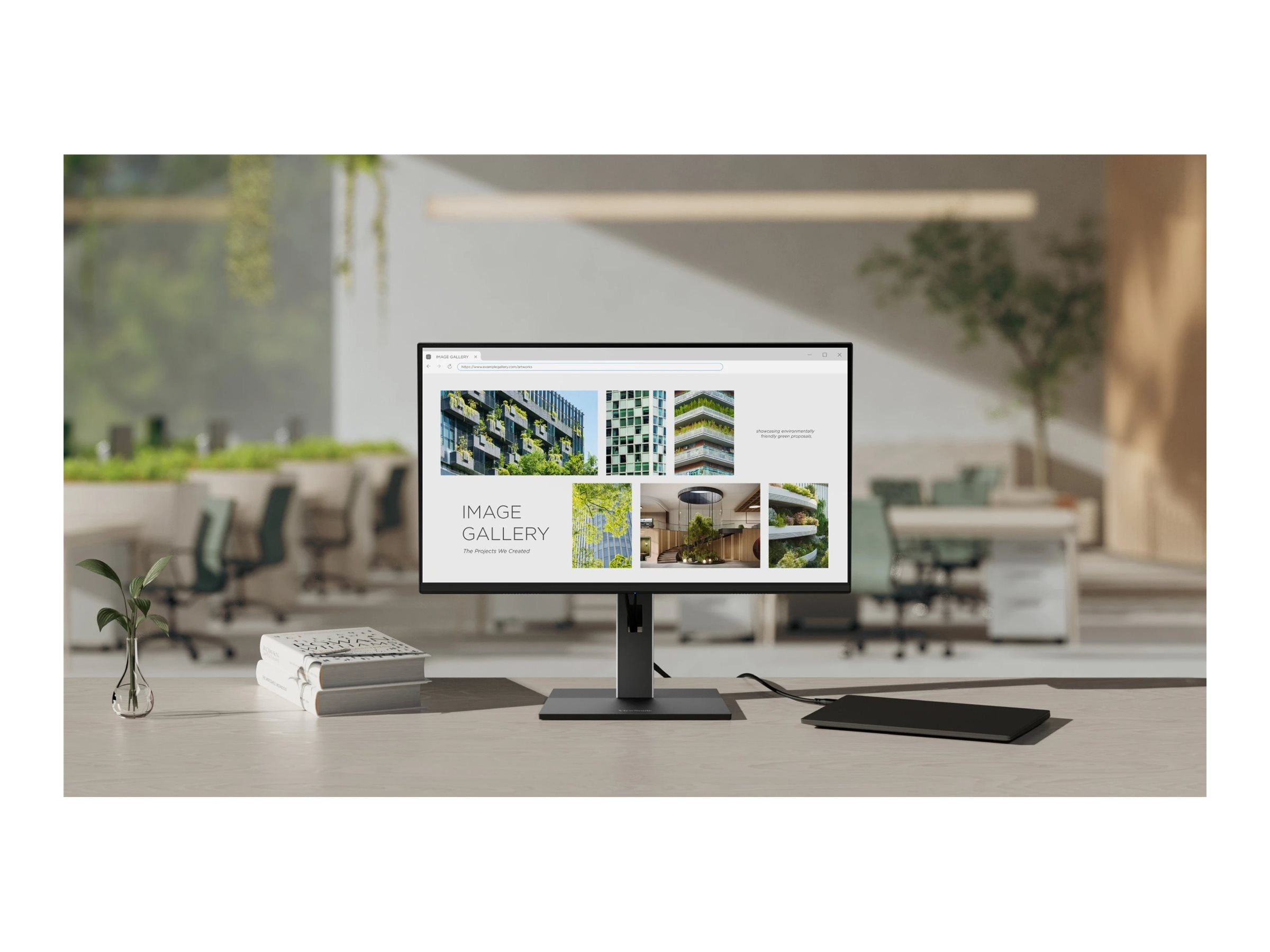
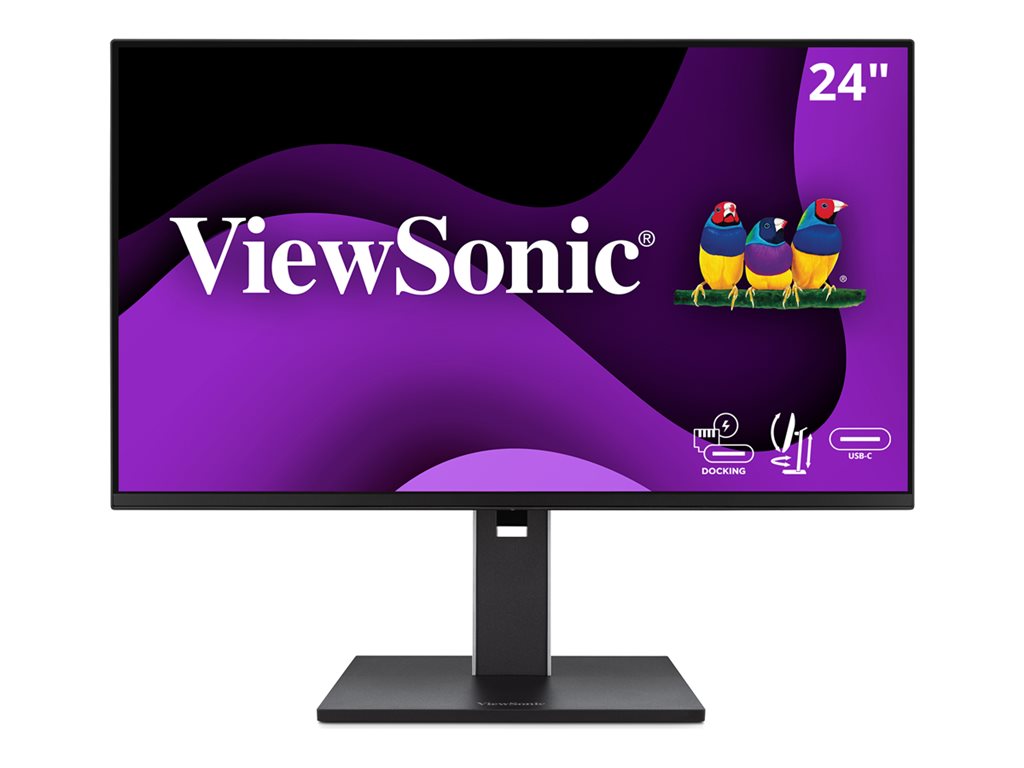
Introducing the ViewSonic VG2458 24" Full HD USB-C Docking Monitor
The ViewSonic VG2458 is a cutting-edge 24-inch monitor designed for enhanced productivity and ergonomic comfort. Perfect for professionals, this Full HD monitor features advanced USB-C docking capabilities with daisy-chain support, allowing seamless connectivity and an uncluttered workspace. With an IPS panel and ergonomic stand, it offers excellent viewing angles and customizable adjustments, ensuring a comfortable and efficient work environment.
Key Features
- USB-C Docking: Simplifies connectivity with integrated docking station, supporting up to 100W power delivery.
- Daisy Chain Capability: Enables multi-monitor setups with USB-C daisy-chaining functionality.
- 24" Full HD Display: Delivers crisp visuals with 1920 x 1080 resolution.
- Ergonomic Design: Features height, tilt, swivel, and pivot adjustments for personalized comfort.
- 100Hz Refresh Rate: Provides smooth and fast-paced visuals ideal for dynamic content.
- IPS Technology: Ensures vibrant colors and wide viewing angles.
Technical Specifications
| Manufacturer |
ViewSonic |
| Model Number |
VG2458 |
| Type |
USB-C Docking Monitor |
| Screen Size |
24 inches |
| Resolution |
1920 x 1080 Full HD |
| Panel Type |
IPS |
| USB-C Features |
100W Power Delivery, Daisy-Chain Support |
| USB Ports |
6x USB Ports (including USB-C) |
| Video Inputs |
USB-C, DisplayPort, HDMI |
Frequently Asked Questions
Q: What is the advantage of the USB-C docking feature?
A: The USB-C docking feature allows you to simplify your workspace with a single cable for video, data, and power (up to 100W).
Q: Is this monitor suitable for gaming?
A: With a 100Hz refresh rate and Full HD resolution, the VG2458 can deliver smooth visuals ideal for both professional work and casual gaming.
Q: What ergonomic features are included?
A: The monitor's ergonomic stand provides adjustments in height, tilt, swivel, and pivot for optimal viewing comfort.
Q: Can the VG2458 be used with MacBook laptops?
A: Yes, it is compatible with MacBook and other devices supporting USB-C connectivity.
Q: How does the daisy-chain feature work?
A: The daisy-chain feature allows you to connect additional monitors through a single USB-C connection, enhancing productivity through multi-monitor setups.