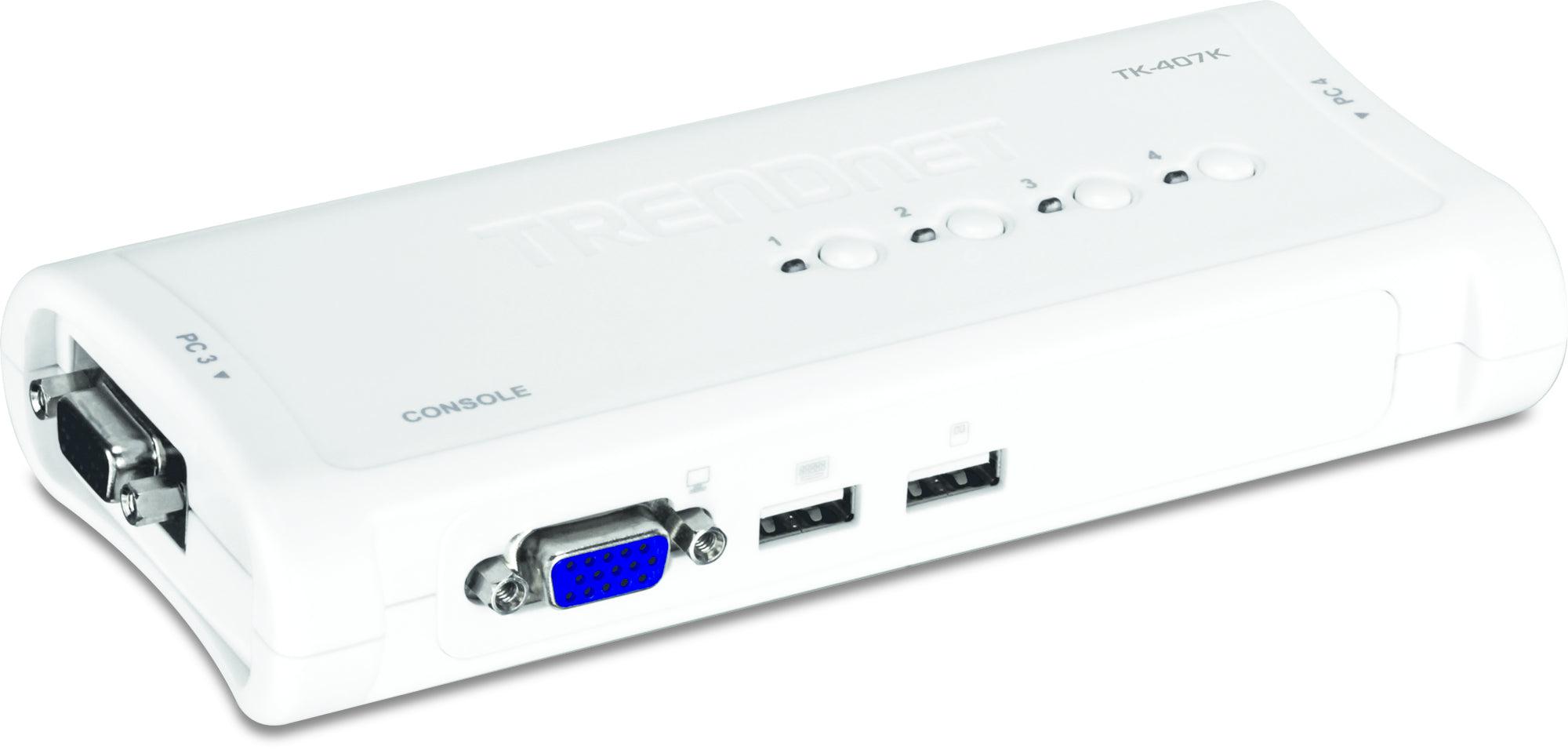
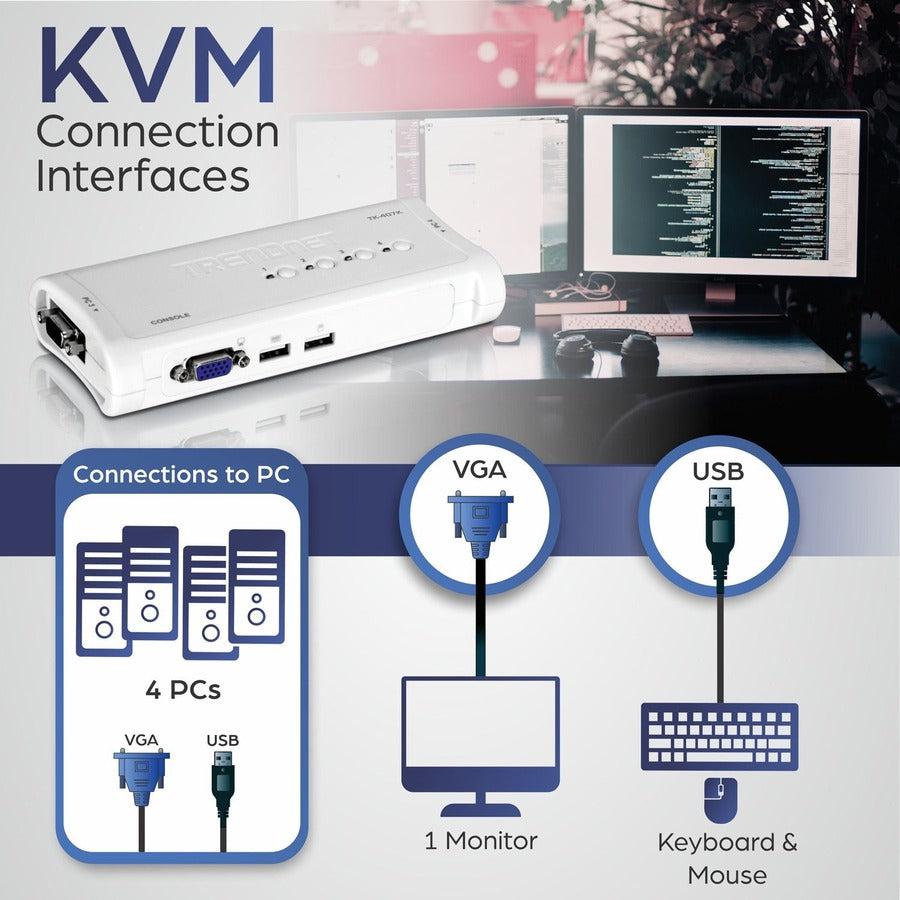
This 4 port USB KVM switch with cables is perfect for IT professionals, system administrators, and power users who need efficient computer switching control. Our TRENDnet TK-407K solution delivers:
-
Complete KVM switch cables included for immediate setup
-
VGA computer control for up to 4 desktop workstations
-
USB console management with keyboard and mouse switching
-
Space-saving desktop design for organized workspaces
Key Features
-
USB KVM cable connectivity for seamless device switching
-
VGA video output supporting up to 1920x1440 resolution
- Optimized for desktop workstation environments
- Consistent hotkey computer switching for rapid access
-
Plug and play compatibility with Windows, Mac, and Linux systems
Technical Specifications
| Manufacturer |
TRENDnet |
| Model Number |
TK-407K |
| Type |
4-Port USB KVM Switch Kit |
| Video Resolution |
Up to 1920 x 1440 @ 60Hz |
| Connection Type |
USB 2.0 for keyboard/mouse, VGA for video |
| Switching Method |
Push button and hotkey switching |
| Cable Length |
6 feet (1.8m) per KVM cable |
| Compatible Systems |
Windows, Mac OS, Linux, Unix systems with VGA output |
| Power Requirements |
USB bus-powered, no external adapter required |
| Dimensions |
5.3" x 3.1" x 1.2" (135 x 79 x 30 mm) |
Frequently Asked Questions
Q: What cables are included with this USB KVM switch?
A: The TK-407K comes complete with four 3-in-1 KVM cables (6 feet each) that combine VGA video, USB keyboard, and USB mouse connections for immediate setup.
Q: Can I use this KVM switch with different computer operating systems?
A: Yes, it's engineered for cross-platform compatibility with Windows, Mac OS, Linux, and Unix systems that support VGA video output and USB connectivity.
Q: What is the maximum video resolution supported?
A: The switch supports high-definition VGA resolution up to 1920x1440 @ 60Hz — perfect for professional workstations and multi-monitor setups.
Q: Does this KVM switch require external power?
A: No external power adapter needed. The switch is USB bus-powered, drawing power directly from connected computers for simplified installation and reduced cable clutter.
Q: How do I switch between connected computers?
A: Switch easily using the front-panel push button or convenient hotkey combinations (Ctrl+Ctrl+1-4) for rapid computer access without reaching for the switch.
USB KVM Switch 4-Port for IT professionals. Complete VGA computer switching solution with included cables and hotkey control.