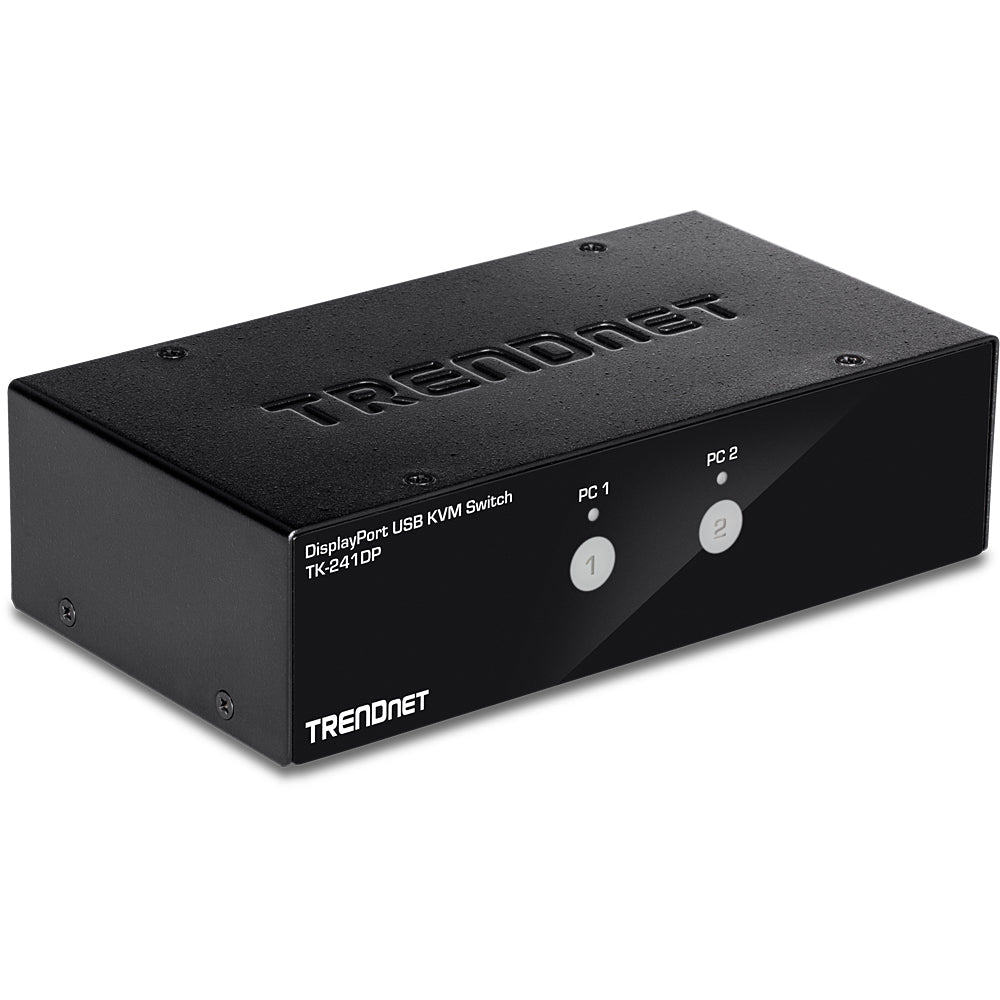
This KVM switch DisplayPort is perfect for professionals and power users who need efficient multi computer control with one keyboard, mouse, and monitor. Our TrendNet TK-241DP delivers:
-
2 port KVM switch functionality that seamlessly manages dual workstations
-
4K UHD resolution support ensuring crystal-clear display quality up to 3840x2160
-
USB connectivity for modern peripherals and device compatibility
-
Desktop productivity enhancement reducing cable clutter and workspace complexity
Key Features
-
Advanced DisplayPort technology to support ultra-high 4K resolutions
-
Dual computer switching with seamless transition between workstations
- Optimized for USB peripheral compatibility
- Consistent workstation productivity for professional environments
-
Plug-and-play installation to minimize setup time
- Compatible with modern computer systems across multiple platforms
Technical Specifications
| Manufacturer |
TrendNet |
| Model Number |
TK-241DP |
| Type |
2-Port DisplayPort KVM Switch |
| Resolution Support |
4K UHD (3840 x 2160) |
| Video Ports |
DisplayPort connections |
| USB Support |
USB 2.0 for keyboard and mouse |
| Switch Method |
Push button or hotkey switching |
| Power Requirements |
Bus powered via USB |
| Compatible Systems |
Windows, Mac, Linux systems with DisplayPort |
Frequently Asked Questions
Q: How does this KVM switch improve workplace efficiency?
A: The 2 port KVM switch allows you to control two computers with a single set of peripherals, eliminating the need for duplicate keyboards, mice, and monitors while reducing desktop clutter.
Q: Does this switch support 4K resolution for professional workflows?
A: Yes, it's engineered for 4K DisplayPort connectivity. The TK-241DP supports ultra-high definition resolutions up to 3840x2160, perfect for graphic design, video editing, and detailed professional work.
Q: What computers are compatible with this DisplayPort KVM switch?
A: USB and DisplayPort compatibility ensures broad system support — perfect for modern desktops, workstations, and laptops running Windows, macOS, or Linux operating systems with DisplayPort output.
Q: How easy is the installation and switching process?
A: Yes. The plug-and-play design requires no software installation, and switching between computers is accomplished via front panel button or keyboard hotkeys for instant productivity enhancement.
KVM Switch DisplayPort for dual computer control. 2-port design with 4K UHD support and USB connectivity for enhanced workspace productivity.