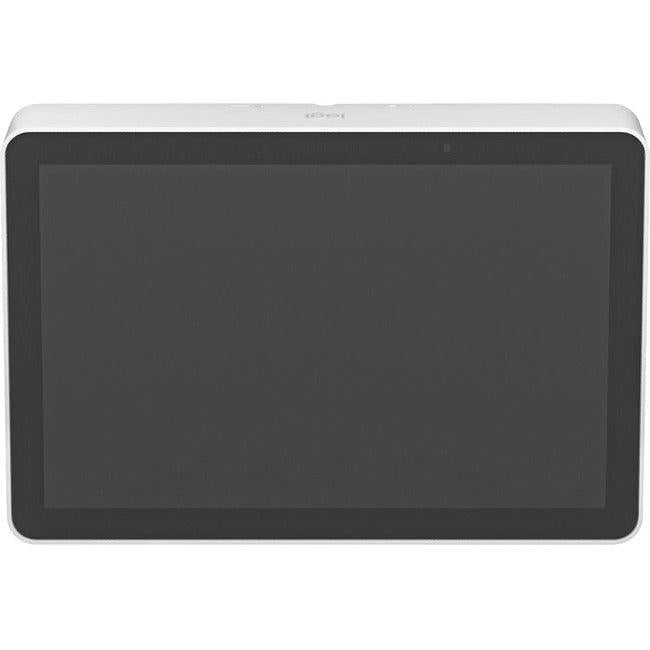
This meeting room touch controller is perfect for IT managers, facility administrators, and conference room coordinators seeking streamlined video conferencing solutions with intuitive operation. Our Logitech Tap IP delivers:
-
One-touch join functionality enabling instant meeting access without complex setup procedures
-
10.1 inch display controller providing clear visibility and responsive touch interface
-
Motion sensor activation automatically waking the system when users approach
-
Conference room technology integration compatible with leading video conferencing platforms
Key Features
-
Intuitive 10.1 inch touchscreen for effortless meeting control and scheduling
-
Advanced motion sensor technology detecting user presence for automatic system activation
- Optimized for cisco room kit and other enterprise video conferencing systems
- Consistent video conference systems integration across platforms
-
One-touch join capability eliminating meeting startup delays and technical issues
-
Professional conference room design complementing modern meeting space aesthetics
Technical Specifications
| Manufacturer |
Logitech VC |
| Model Number |
952-000088 |
| Type |
Meeting Room Touch Controller |
| Display Size |
10.1 inch touchscreen display |
| Key Features |
Motion sensor, One-touch join |
| Connectivity |
IP-based network connection |
| Activation Method |
Motion sensor automatic wake |
| Interface Type |
Capacitive touchscreen with haptic feedback |
| Mounting Options |
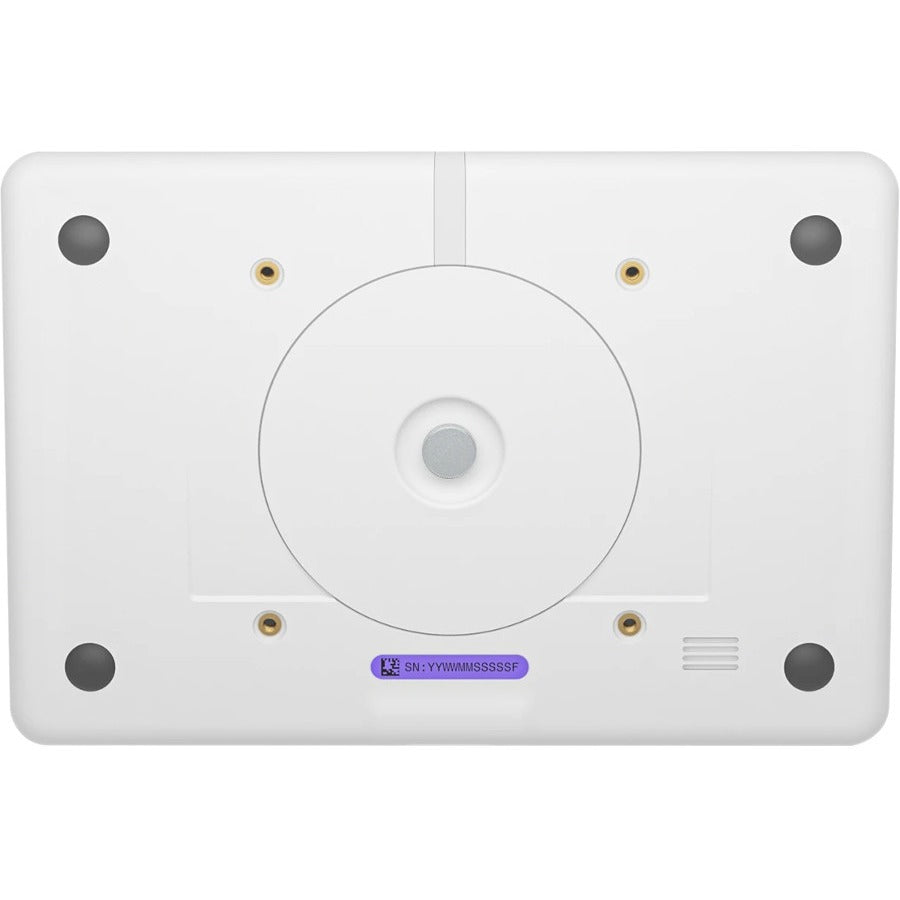
Table stand and wall mount compatible |
| Power Requirements |
PoE+ (Power over Ethernet Plus) |
| Target Applications |
Corporate meeting rooms, huddle spaces, conference centers, educational facilities |
Frequently Asked Questions
Q: How does the one-touch join feature simplify meeting access?
A: The one-touch join system automatically detects scheduled meetings and provides instant access with a single tap. This touchscreen conference controller eliminates the need for complex dial-in procedures, meeting IDs, or technical support, reducing meeting start delays by up to 5 minutes per session.
Q: What benefits does the motion sensor provide for meeting room efficiency?
A: The motion sensor touch display automatically activates when users enter the room, ensuring the system is ready for immediate use. This feature conserves energy during idle periods while providing instant responsiveness when needed, improving both user experience and operational efficiency.
Q: How does this integrate with existing video conferencing infrastructure?
A: The meeting room touch controller seamlessly integrates with leading platforms including Microsoft Teams, Zoom, and cisco room kit systems. This conference room technology solution supports unified communications environments without requiring platform-specific hardware changes.
Q: What makes the 10.1 inch display optimal for conference room use?
A: The 10.1 inch display controller provides the perfect balance of visibility and space efficiency for meeting room environments. The screen size ensures clear readability from typical seating distances while maintaining a compact footprint that doesn't dominate conference table space or wall-mounted installations.