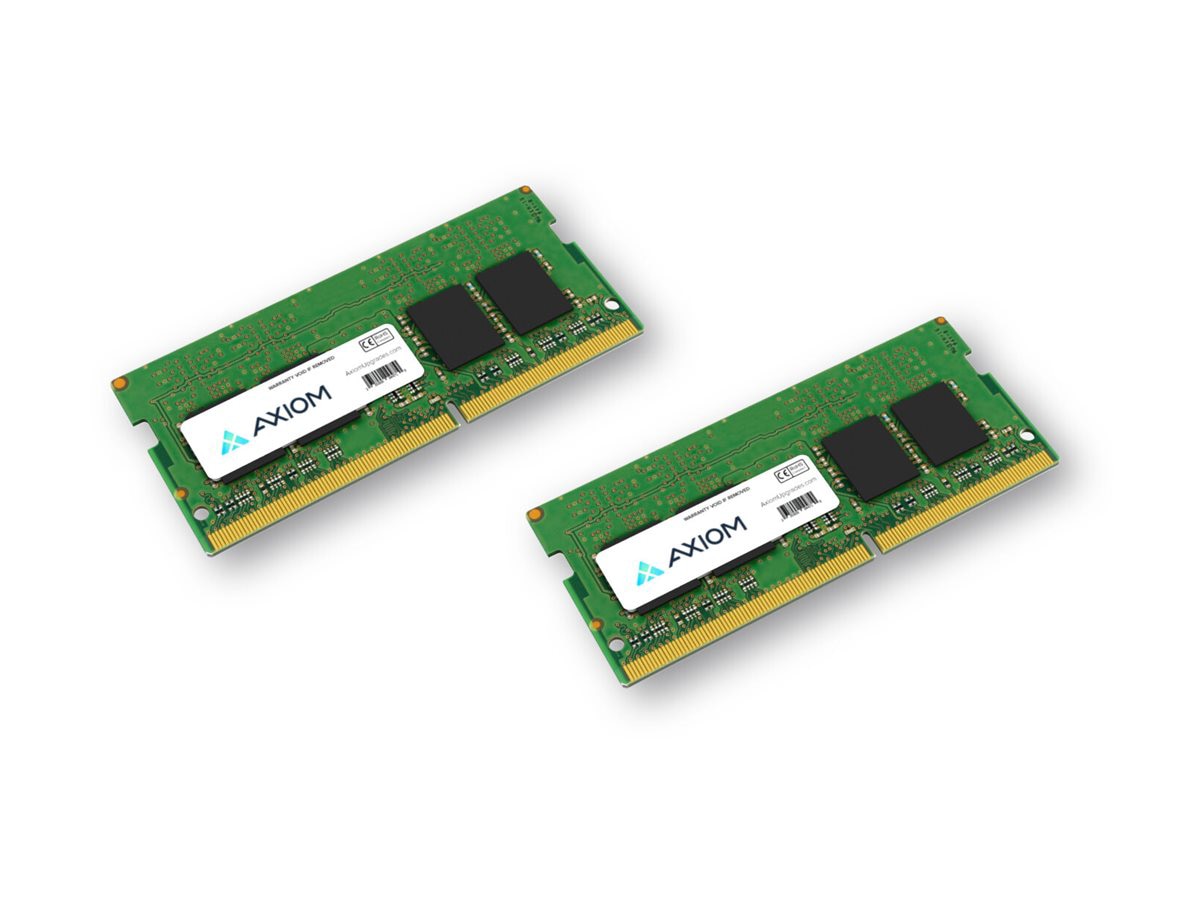
AXIOM DDR5 RAM module delivers 32GB of high-speed memory ideal for professionals and power users who need fast, reliable performance in modern laptops. With a 5600 MHz speed and low 1.1V operation, it enhances multitasking, data-processing tasks, and demanding applications on the go.
-
Capacity: 32GB
-
Speed: 5600 MHz
-
Technology: DDR5
-
Form Factor: SO-DIMM 262-pin
-
Voltage: 1.1V
-
Model: AXG1144102153/2
-
Usage: Laptop memory upgrade for improved multitasking and responsiveness
Designed for modern laptops, this AXIOM memory module is a straightforward upgrade that unlocks smoother app switching, quicker file access, and better performance in virtualization, content creation, and data-heavy workflows. The 32GB capacity provides ample headroom for running multiple applications simultaneously, large spreadsheets, design software, or virtual machines without frequent slowdowns.
Specifications
-
Brand: AXIOM
-
Model: AXG1144102153/2
-
Memory Type: DDR5
-
Capacity: 32GB
-
Speed: 5600 MT/s
-
Form Factor: SO-DIMM 262-pin
-
Voltage: 1.1V
Frequently Asked Questions
-
What devices can use this RAM? This is a DDR5 SO-DIMM module with 262 pins designed for modern laptops that support DDR5 memory upgrades. Verify your device supports DDR5 and a 262-pin SO-DIMM slot before upgrading.
-
Is 32GB the right amount for my needs? For heavy multitasking, photo/video editing, 3D design, large spreadsheets, and running multiple virtual machines, 32GB provides ample headroom and helps minimize swap-to-disk behavior, improving overall responsiveness.
-
Will the RAM speed improve my laptop’s performance immediately? Yes, higher memory bandwidth from 5600 MHz can improve application load times and multitasking efficiency, especially when your workload involves large files or many concurrent tasks. Real-world gains depend on your CPU, storage, and software mix.
-
Do I need to adjust BIOS or enable XMP/DOCP? Many laptops auto-detect memory settings through SPD profiles. In most cases, you won’t need manual tuning, but some systems may support profile-basedAuto settings for DDR5. Always follow your device manufacturer’s guidance when upgrading RAM.
-
How do I install this RAM safely? Power off the laptop, disconnect power, and ground yourself to avoid static discharge. Open the service panel, align the SO-DIMM notch with the slot, firmly seat the module until it clicks, close the panel, and power up to verify the memory is recognized.