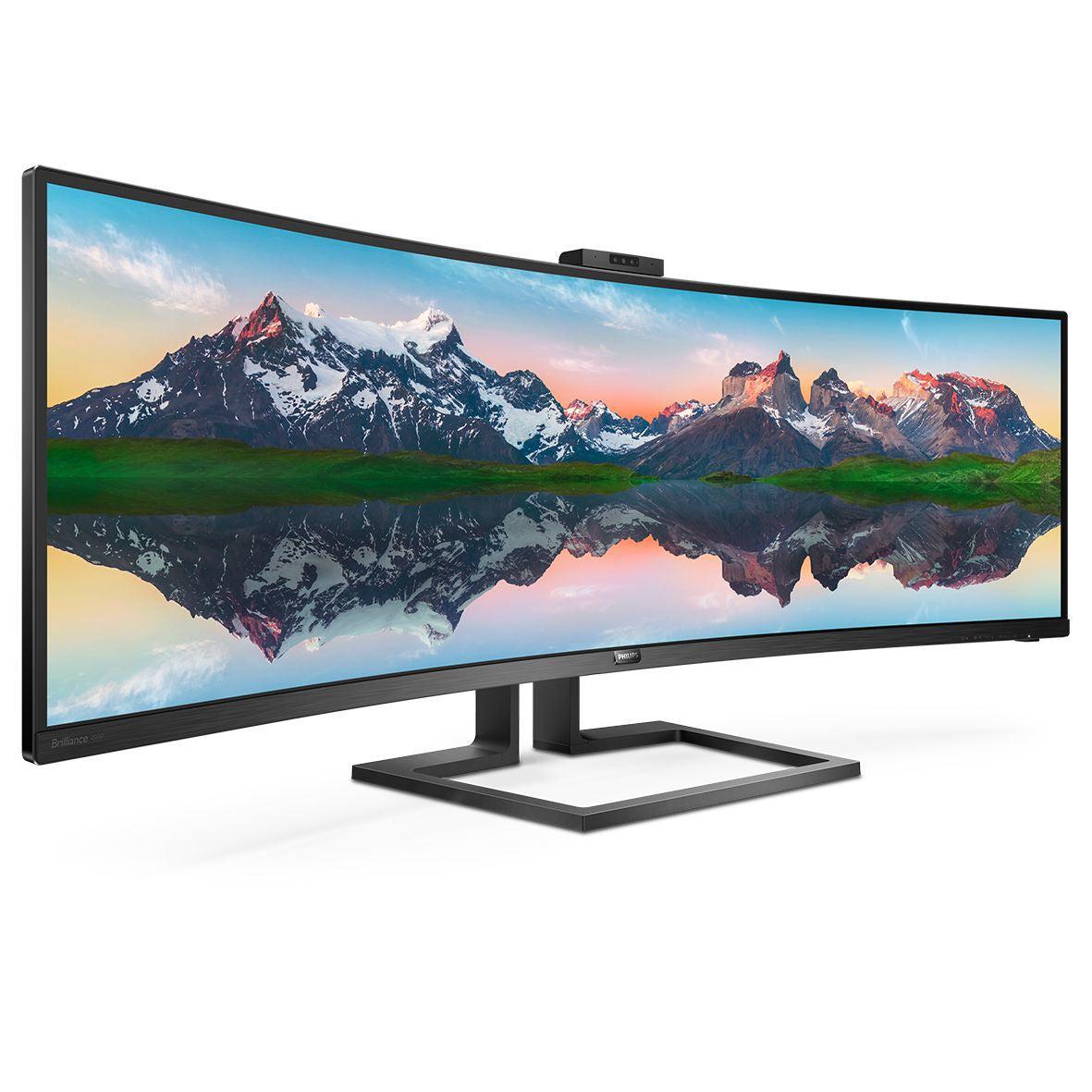
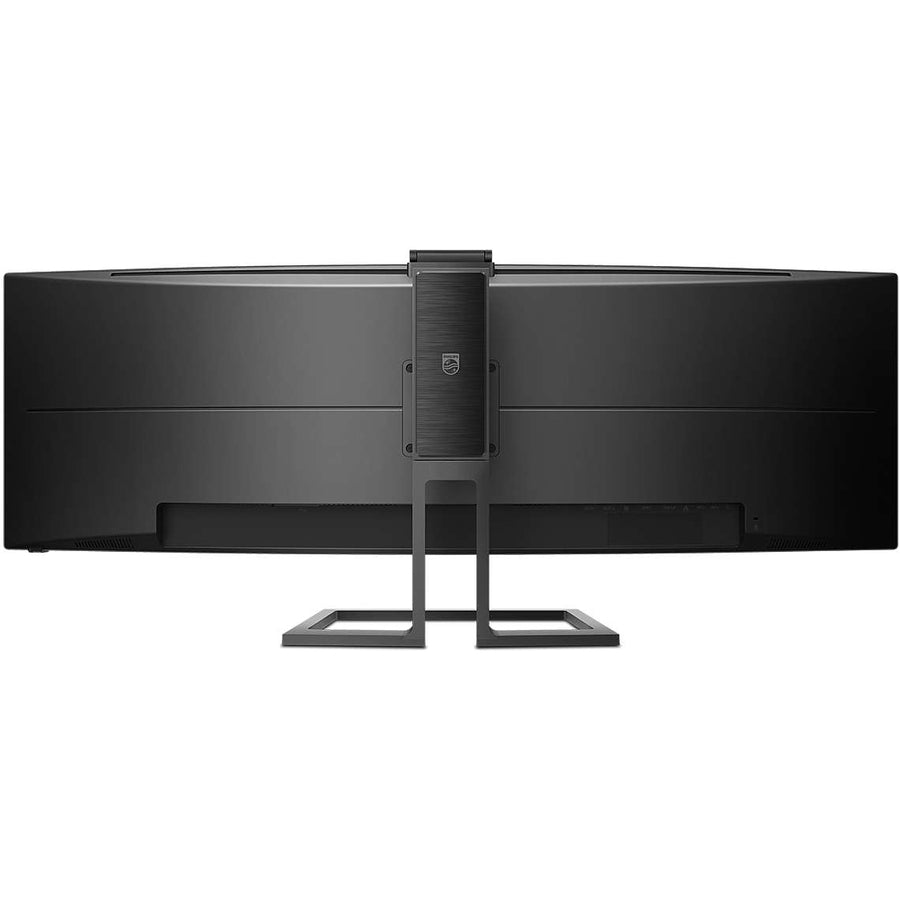
This 32:9 SuperWide curved monitor is perfect for business professionals, content creators, and remote workers who need USB-C docking station functionality with premium display performance. Our Philips 499P9H delivers:
-
Computer monitor with speakers and camera integration for seamless video conferencing
-
Desktop docking station capabilities with single USB-C connection
-
KVM switch functionality ensuring efficient multi-device management
-
Computer monitor hub design for streamlined workspace connectivity
Key Features
-
32:9 aspect ratio SuperWide display to maximize productivity and multitasking
-
USB-C docking capabilities delivering power, data, and video through single cable
- Optimized for curved display ergonomics
- Consistent pop-up webcam performance for professional video calls
-
Built-in KVM switch to meet multi-device workflow requirements
-
Integrated speakers and microphone for complete communication solution
-
Multiple connectivity options including DisplayPort and HDMI
Technical Specifications
| Manufacturer |
Philips |
| Model Number |
499P9H/27 |
| Type |
32:9 SuperWide Curved Monitor |
| Screen Size |
49 inches |
| Aspect Ratio |
32:9 SuperWide |
| Resolution |
5120 x 1440 (Dual QHD) |
| Curvature |
1800R curved display |
| Connectivity |
USB-C Docking, DisplayPort, HDMI |
| Webcam |
Pop-up webcam with microphone |
| KVM Switch |
Built-in KVM functionality |
| Compatible Systems |
Windows, Mac, USB-C laptops |
Frequently Asked Questions
Q: How does the USB-C docking station functionality work with this curved monitor?
A: The Philips 499P9H features USB-C docking capabilities that provide power delivery, data transfer, and video signal through a single cable connection, making it ideal as a computer monitor hub for laptops.
Q: Can this monitor replace multiple displays for productivity work?
A: Yes, it's engineered for 32:9 SuperWide multitasking. The ultra-wide format provides equivalent screen space to dual monitors with curved display ergonomics for comfortable viewing.
Q: What makes the pop-up webcam special for business use?
A: Pop-up webcam design ensures privacy when not in use while providing professional video quality—perfect for computer monitor with speakers and camera video conferencing needs.
Q: How does the KVM switch feature benefit multi-device workflows?
A: Yes. The built-in KVM switch allows seamless switching between multiple computers using one keyboard and mouse, ideal for desktop docking station setups with enhanced productivity.
32:9 SuperWide curved monitor with USB-C docking station. Features pop-up webcam, KVM switch, and desktop hub functionality.