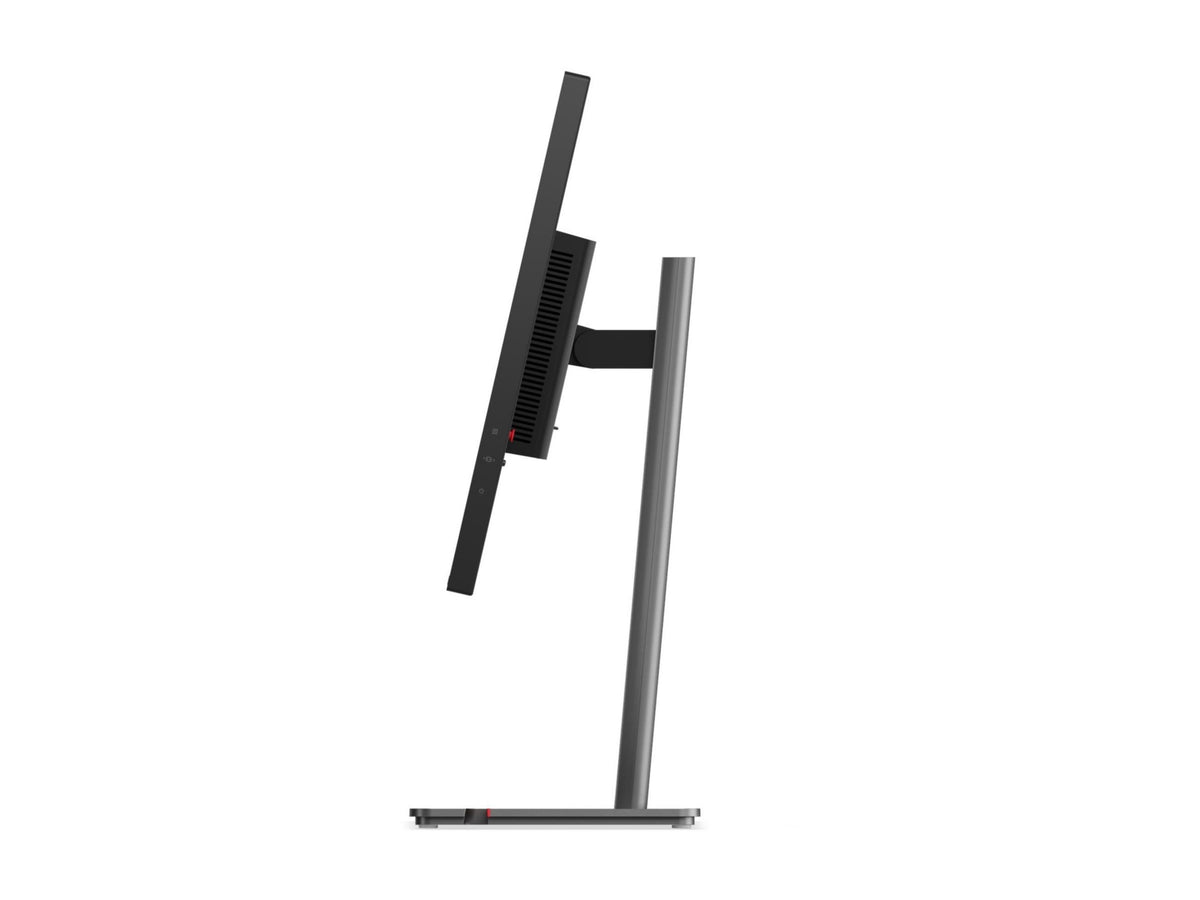
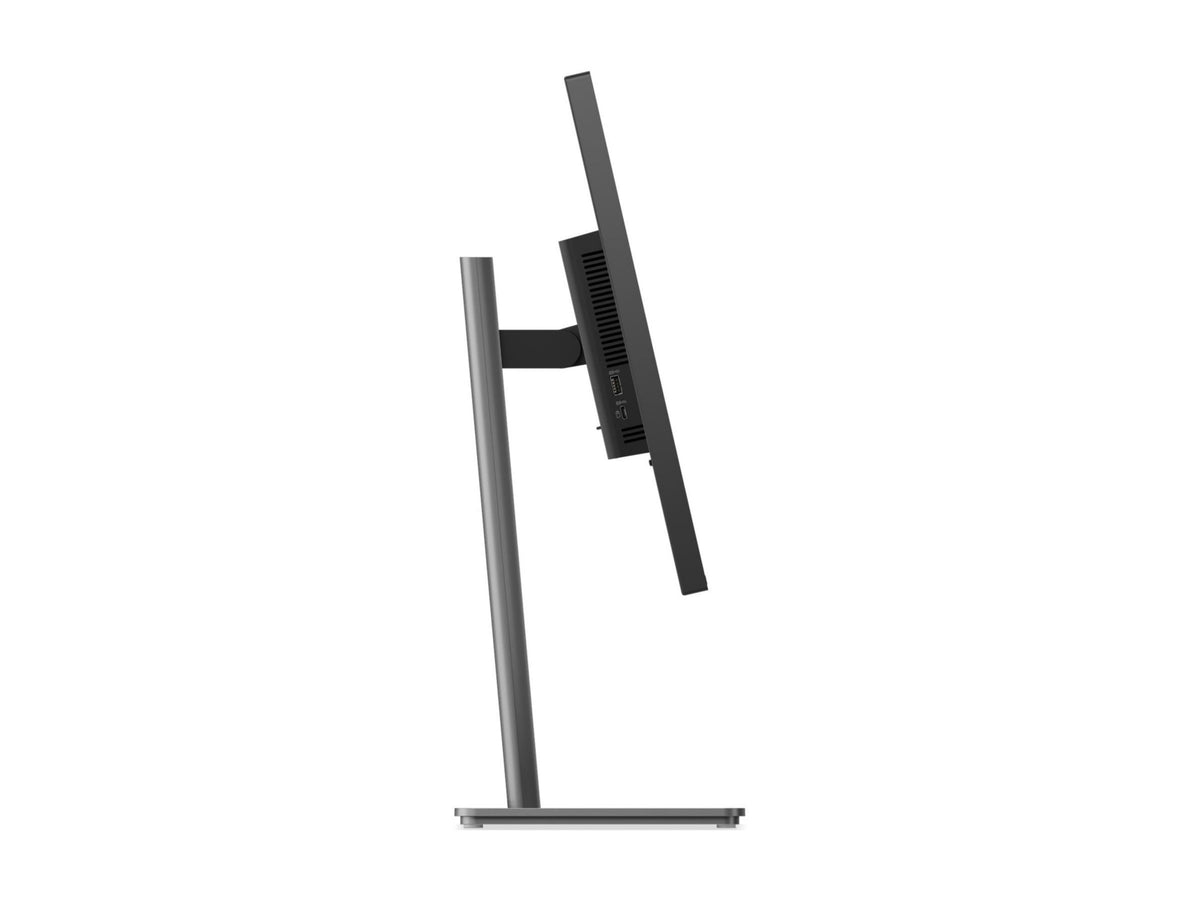
The Lenovo P27Q-40 is a 27-inch QHD monitor designed for professionals who need sharp visuals, accurate color, and dependable performance for office and creative work. Built with Lenovo’s emphasis on reliability and thoughtful design, it combines crisp imaging with a compact, desk-friendly form factor.
-
Display Size & Resolution: 27 inches with QHD (2560x1440) for clear text, detailed graphics, and immersive media.
-
Panel Technology: IPS panel delivers vibrant colors and wide viewing angles for consistent imagery from any angle.
-
HDR Support: HDR10 compatibility enhances contrast and color depth for compatible content.
-
Stand & Desk Convenience: LTPS stand includes a convenient integrated phone slot to reduce desk clutter and keep your workflow flowing.
-
Motion & Refresh: Variable refresh rate helps smooth visuals during dynamic content and multi-tasking scenarios.
-
Connectivity: HDMI and DisplayPort inputs ensure easy connection to laptops, desktops, and docks.
-
Specs: 27" screen, 2560x1440 resolution, IPS panel, HDR10, LTPS stand with phone slot, variable refresh rate, HDMI & DisplayPort inputs.
The P27Q-40 is designed to boost productivity without compromising image quality. The IPS panel delivers accurate colors and stable viewing from side angles—perfect for design review, document work, and content creation. The HDR10 support adds depth to photos and videos you edit or consume, while the flexible inputs make it easy to pair with a wide range of devices. The LTPS stand’s tilt adjustability, plus the handy phone slot, helps you maintain an organized, comfortable workspace. Whether you’re drafting spreadsheets, reviewing presentations, or editing graphics, this monitor supports a steady, visually precise workflow.
-
What makes it a strong choice for professionals? The combination of 27" QHD resolution, IPS color fidelity, HDR10 support, and a desk-friendly LTPS stand with a built-in phone slot is tailored for extended work sessions and multi-application workflows.
-
Who is it ideal for? Office professionals, designers, video editors, and anyone who values crisp text, reliable color accuracy, and a tidy desk setup.
-
How does it compare to typical office monitors? It offers higher resolution, better color consistency, and a more ergonomic stand arrangement than many standard office displays, making it a practical step up for visual tasks.
-
What is the user experience like? Expect smooth visuals with its variable refresh rate and a comfortable viewing experience thanks to wide IPS viewing angles and tilt-adjustable stand.
-
How do I set it up with my devices? Use the HDMI or DisplayPort inputs to connect to a laptop, desktop, or docking station; the stand supports tilt to fit your ergonomic setup.
-
Does the monitor support multiple input types? Yes, it supports HDMI and DisplayPort connections.
-
Is the stand adjustable? The LTPS stand offers tilt adjustment and a convenient phone slot, but height adjustment is limited.
-
What is the typical use case for this monitor? It is well-suited for professional office work, design and multimedia consumption.
-
Does it support HDR content playback? Yes, it supports HDR10 for enhanced color and brightness.
-
Is the monitor compatible with Mac and Windows systems? Yes, it is compatible with both operating systems.