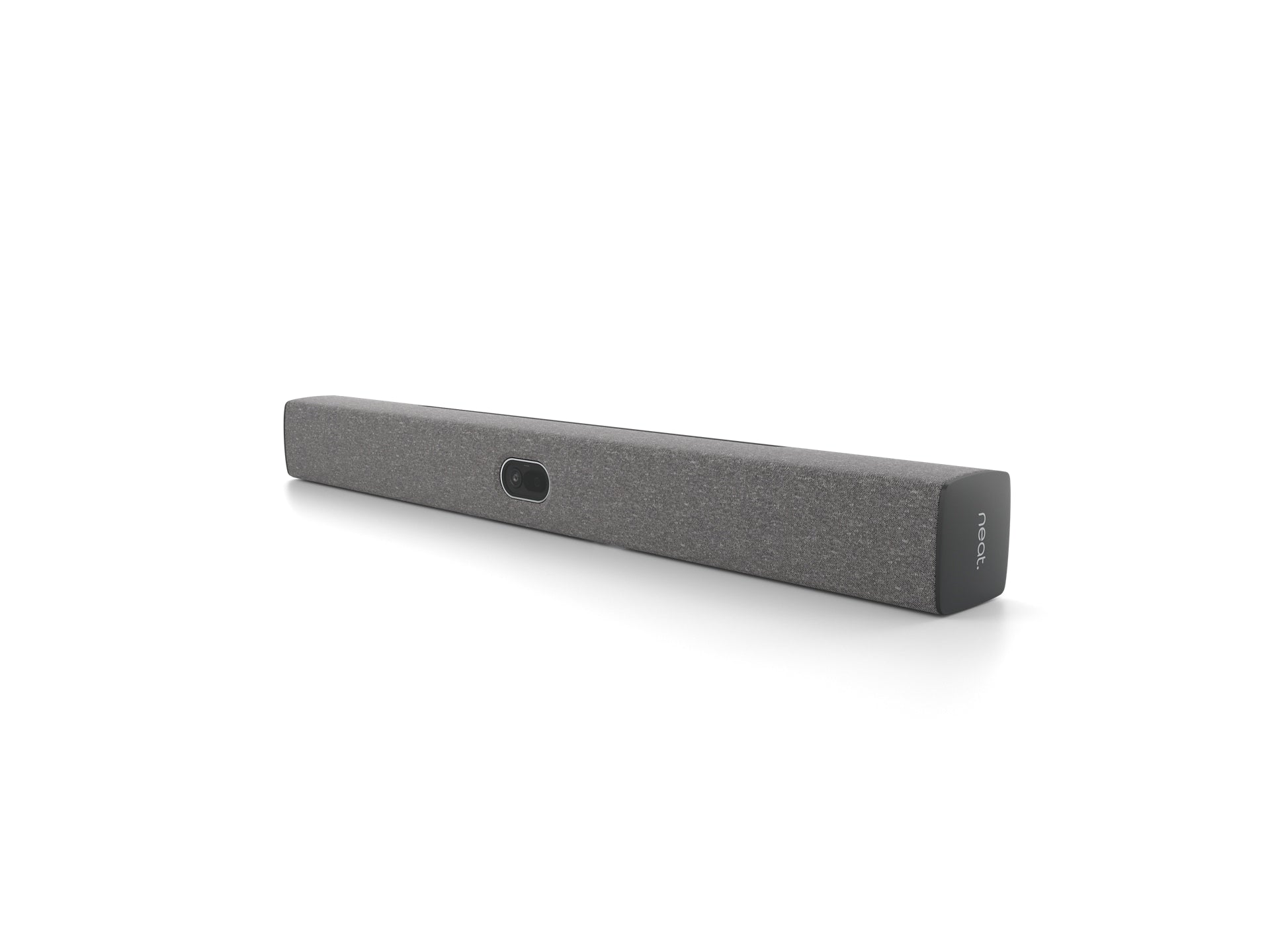
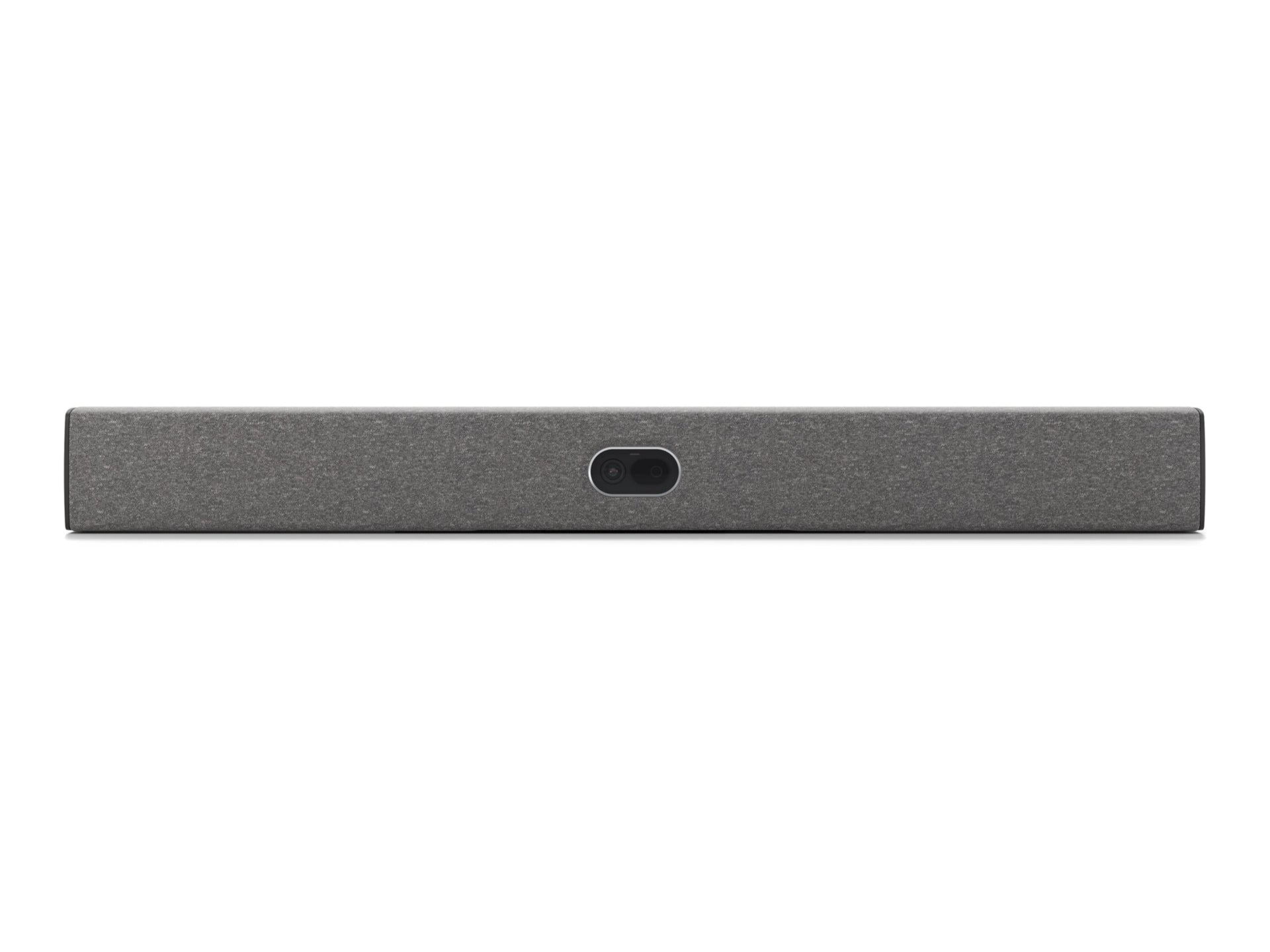
The Neat Bar 2 - Generation 2 is a premium collaboration bar designed to elevate professional meetings by delivering crystal-clear video and audio when used with Zoom and Microsoft Teams. Built for modern workspaces, it combines expansive visuals with reliable, flexible connectivity to keep every discussion productive.
-
Camera: 113° FOV wide-angle with a 50MP sensor for sharp, expansive video capture that fits large groups without losing detail.
-
Audio: 5-microphone array with advanced noise reduction for precise voice pickup and minimizing background chatter.
-
Connectivity: Versatile options including WiFi, Bluetooth, Ethernet, USB-C, plus 2 HDMI-out and HDMI-in to support varied room layouts.
-
Display: Dual screen support to run presentations and collaboration windows side by side for seamless multitasking.
-
Compatibility: Optimized for Zoom and Microsoft Teams to streamline meeting controls and collaboration workflows.
Designed for efficiency and reliability, the Neat Bar 2 helps teams stay engaged with clear visuals and intelligible audio, even in busy meeting rooms. Its dual-display capability and flexible connectivity enable smoother presentations, better collaboration, and fewer setup hurdles—from huddle spaces to larger conference environments.
Specs
-
Camera: 113° FOV wide-angle, 50MP sensor
-
Audio: 5-microphone array with noise reduction
-
Connectivity: WiFi, Bluetooth, Ethernet, USB-C
-
Video/Displays: 2x HDMI-out, HDMI-in; Dual screen support
-
Compatibility: Optimized for Zoom and Microsoft Teams
FAQ
-
Q: Which platforms does Neat Bar 2 work best with?
A: It is optimized for Zoom and Microsoft Teams, ensuring tight integration and smooth control during calls.
-
Q: Can I use two displays at the same time?
A: Yes. The device supports dual screen setups to display presentations on one screen while collaborating on the other.
-
Q: What connectivity options does it offer?
A: It includes WiFi, Bluetooth, Ethernet, USB-C, and two HDMI ports (HDMI-out and HDMI-in) for flexible room configurations.
-
Q: Is Neat Bar 2 suitable for small or large rooms?
A: It scales across workspace sizes—from compact huddle rooms to larger conference areas, depending on layout and mounting options.
-
Q: How easy is the installation and initial setup?
A: Setup is straightforward: connect via USB-C and HDMI, join your network, and configure Zoom or Teams to begin collaborating in minutes.