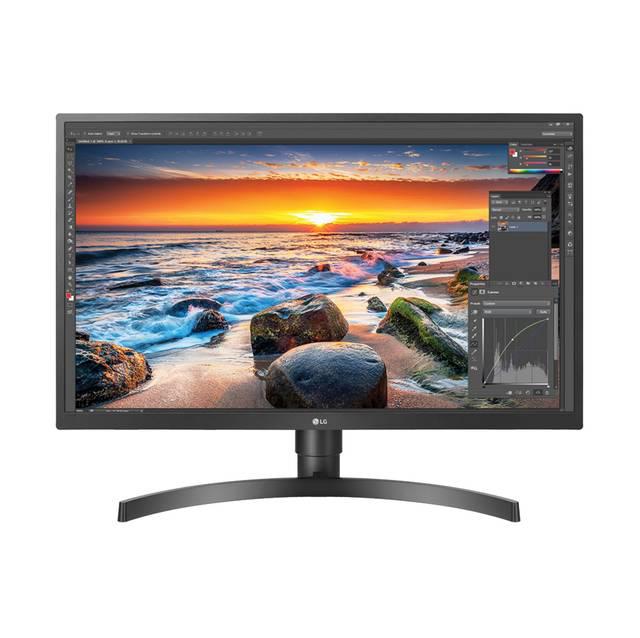
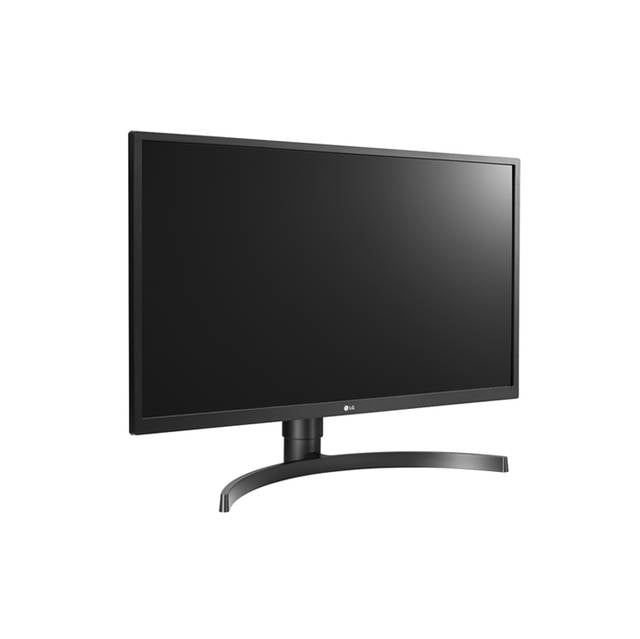
This 27 inch 4K monitor is perfect for professionals, content creators, and businesses who need superior visual clarity and color accuracy. Our computer 4K monitor delivers exceptional performance for demanding applications:
-
IPS technology providing wide viewing angles and accurate colors
-
HDR support for enhanced contrast and vibrant visuals
-
UHD 4K resolution ensuring crystal-clear detail at 3840x2160
-
Professional display capabilities ideal for graphic design and business use
Key Features
-
27 inch IPS panel with superior color reproduction
-
4K UHD resolution delivering four times the detail of Full HD
- Advanced HDR10 support for enhanced dynamic range
- Professional-grade color accuracy for critical work applications
-
Multiple connectivity options including USB-C, HDMI, and DisplayPort
- Ergonomic height-adjustable stand with tilt and pivot functions
- Flicker-free technology for comfortable extended viewing
Technical Specifications
| Manufacturer |
LG Electronics |
| Model Number |
27BL55U-B |
| Type |
27 Inch 4K IPS Monitor |
| Display Size |
27 inches (68.6 cm) |
| Resolution |
3840 x 2160 (4K UHD) |
| Panel Technology |
IPS (In-Plane Switching) |
| HDR Support |
HDR10 |
| Refresh Rate |
60Hz |
| Brightness |
350 cd/m² |
| Contrast Ratio |
1000:1 |
| Color Gamut |
99% sRGB coverage |
| Viewing Angle |
178°/178° (H/V) |
| Response Time |
5ms (GtG) |
| Connectivity |
USB-C (90W PD), HDMI 2.0 x2, DisplayPort 1.4 |
| Compatible Systems |
Windows, macOS, Linux, Chrome OS |
| Stand Features |
Height, tilt, swivel, pivot adjustment |
| VESA Mount |
100 x 100mm |
| Power Consumption |
65W typical |
| Dimensions (with stand) |
24.4" x 18.1-22.1" x 8.7" |
| Weight |
13.4 lbs (6.1 kg) |
Target Use Cases & Applications
The LG 27BL55U-B excels in professional environments requiring precise visual representation:
-
Graphic Design & Photo Editing: Accurate color reproduction with 99% sRGB coverage
-
Business & Office Work: Enhanced productivity with USB-C connectivity and 90W power delivery
-
Content Creation: 4K resolution provides detailed preview of video and multimedia projects
-
Programming & Development: Ample screen real estate for multiple code windows
-
Financial Trading: Clear text rendering and wide viewing angles for data analysis
-
CAD & Engineering: Precision detail visibility for technical drawings
Features & Benefits
Professional Color Accuracy: The IPS panel technology ensures consistent colors across the entire screen, making it ideal for computer monitor for graphic design applications.
USB-C Connectivity: Single-cable solution providing video, data, and 90W power delivery to laptops, reducing desk clutter while maintaining professional aesthetics.
HDR10 Support: Enhanced dynamic range brings out details in both shadows and highlights, perfect for photo editing and content review.
Ergonomic Design: Full adjustment capabilities including height, tilt, swivel, and 90-degree pivot for portrait orientation, supporting healthy posture during extended work sessions.
Eye Comfort Features: Flicker-free technology and blue light reduction minimize eye strain during long work periods.
Frequently Asked Questions
Q: What is the best resolution for a 27 inch monitor for professional work?
A: The 27 inch 4K monitor resolution of 3840x2160 provides optimal pixel density for professional applications, offering sharp text and detailed imagery perfect for design work and business applications.
Q: Does this monitor support MacBook Pro connectivity?
A: Yes, it features USB-C connectivity with 90W power delivery, making it ideal for MacBook Pro users. You can connect video, data, and power through a single cable.
Q: How does IPS technology benefit professional users?
A: IPS panel technology provides superior color accuracy and 178-degree viewing angles — essential for computer monitor for graphic design work where color precision matters.
Q: Is this monitor suitable for dual-monitor setups?
A: Absolutely. The 27 inch monitor size is optimal for multi-monitor configurations, and the thin bezels create a seamless viewing experience when used in pairs.
Q: What makes this different from gaming monitors?
A: This professional display prioritizes color accuracy, ergonomics, and business connectivity over gaming features, making it perfect for office environments and creative workflows.