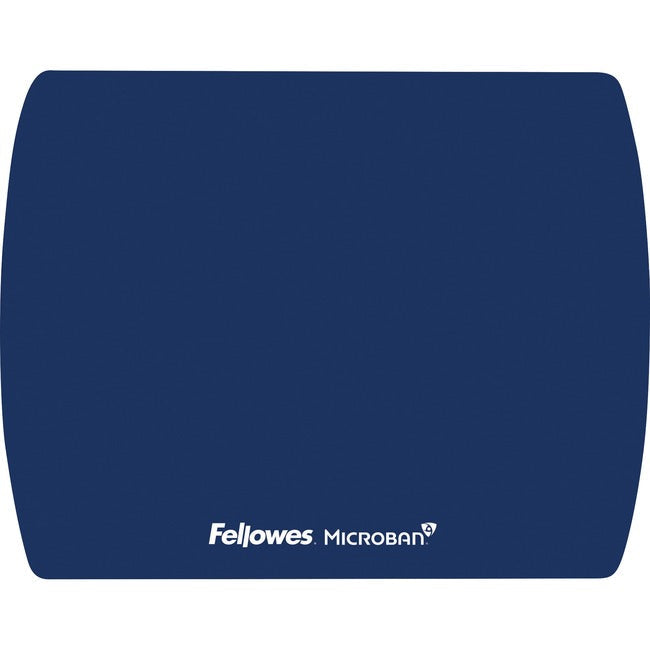
Enhance your desktop with the Fellowes 5908001 Microban Ultra Thin Mouse Pad, designed for superior mouse tracking and cleanliness. With its ultra thin profile, this mouse pad offers a sleek and modern look while delivering exceptional performance for both optical and laser mice. Built-in Microban antimicrobial protection helps maintain a cleaner mouse pad by inhibiting bacterial growth, making it ideal for shared spaces and home desks alike.
Key Features
-
Microban Antimicrobial Protection: Protects the product from the growth of bacteria, ensuring a cleaner workspace.
-
Ultra Thin Design: Measuring just 1.5mm thick, this mouse pad maintains your desk's aesthetics and allows for natural wrist placement.
-
Superior Tracking Surface: Provides precise mouse movement and control for both optical and laser mice.
-
Durable and Easy to Clean: Constructed from high-quality materials for easy maintenance.
-
Environmentally Friendly: Made from recyclable materials.
Technical Specifications
| Manufacturer |
Fellowes, Inc. |
| Part Number |
5908001 |
| Thickness |
1.5mm |
| Dimensions |
9" x 8" |
| Surface Material |
Microban-treated |
| Base Material |
Non-slip rubber backing |
Target Use Cases
-
Home Office Desks: A clean and modern pad layout for personal workstations.
-
Shared Workspaces: Ideal for environments where multiple users share a desk, needing extra hygiene.
-
Gaming Setups: Enhanced tracking for competitive gaming needs.
-
Public Areas: In educational or library computer stations, where cleanliness is a priority.
Frequently Asked Questions (FAQs)
Q: How does the Microban protection enhance the mouse pad?
A: Microban protection inhibits the growth of bacteria on the mouse pad surface, ensuring ongoing hygiene between regular cleaning sessions.
Q: Is the mouse pad suitable for both left-handed and right-handed users?
A: Yes, the mouse pad is designed to accommodate both left and right-hand orientations with equal effectiveness.
Q: Can the pad be used with both optical and laser mice?
A: Yes, the surface is optimized for precise tracking with both optical and laser technologies.
Q: How do I clean the mouse pad?
A: Simply wipe it down with a damp cloth or use a gentle cleaning solution to maintain its cleanliness.