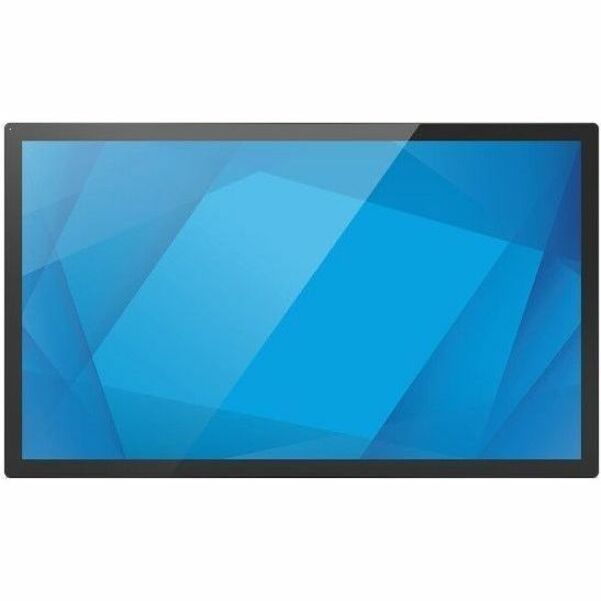
Elo 4304L 43" Touchscreen Signage - 43" LCD - Touchscreen - 24 Hours/7 Days Operation - 1920 x 1080 - 16:9 - 8 ms - 500 Nit - 1080p - HDMI - USBEthernet - Energy Star
Digital Signage Display - Ideal for rack, passageway, booth or display counter
Experience luminescent visual images with LCD display
Features full 1920 x 1080 HD resolution enabling sharp and clear images
Features 1920 x 1080 resolution and 1080p scan format for producing sharp and bright images
The Elo E103351 (4304L) is a commercial-grade 43" interactive touchscreen display designed for always-on environments where users need fast, accurate touch—such as self-service kiosks, interactive signage, wayfinding, and retail/hospitality applications. It combines a bright Full HD panel with durable PCAP touch for smooth multi-touch performance in public-facing spaces.
Who it’s for
-
Retail & showrooms: endless-aisle browsing, product finders, interactive promotions
-
QSR & hospitality: self-ordering kiosks, queue management, digital menu interactivity
-
Corporate & public spaces: directories, maps, visitor check-in, wayfinding
-
Healthcare: patient check-in, education, staff workflows
Spec Summary
-
Screen size: 43" class (42.5" diagonal), 16:9
-
Resolution: 1920 × 1080 (Full HD) @ 60Hz
-
Touch: PCAP multi-touch (up to 40 touches), palm rejection, touch-thru capable
-
Touch-thru / glove: touch through protective layers (up to 6mm glass / 3mm plastic, limited touch points), glove support up to 1.4mm
-
Brightness: 500 nits (panel), ~430 nits with touch
-
Contrast / response: 4000:1, 8 ms
-
Inputs / I/O: 2× HDMI 1.4, DisplayPort 1.2, USB-C (video + touch)
-
Audio: 2 × 8W speakers
-
Duty cycle: 24/7 operation
-
Mounting: VESA 400 × 400 (M6)
-
Dimensions / weight: 39.66" × 23.45" × 2.19", ~40.72 lb
FAQ
1) Is Elo E103351 a regular TV?
No—this is a commercial interactive display built for touch applications and continuous operation, not a consumer TV.
2) Does it include a built-in computer?
No—the unit is the display. You’ll pair it with an external media player or PC depending on your application.
3) How does the touch connect to my computer?
Touch works via USB-C (video + touch) or via standard video + USB touch connection depending on your setup.
4) Can it be mounted on a wall or kiosk stand?
Yes. It supports VESA 400 × 400 mounting, which is common for wall mounts and kiosk enclosures.
5) Can touch work through protective glass?
Yes. It supports touch-through for certain kiosk designs, allowing touch input through protective materials (within the supported thickness limits).