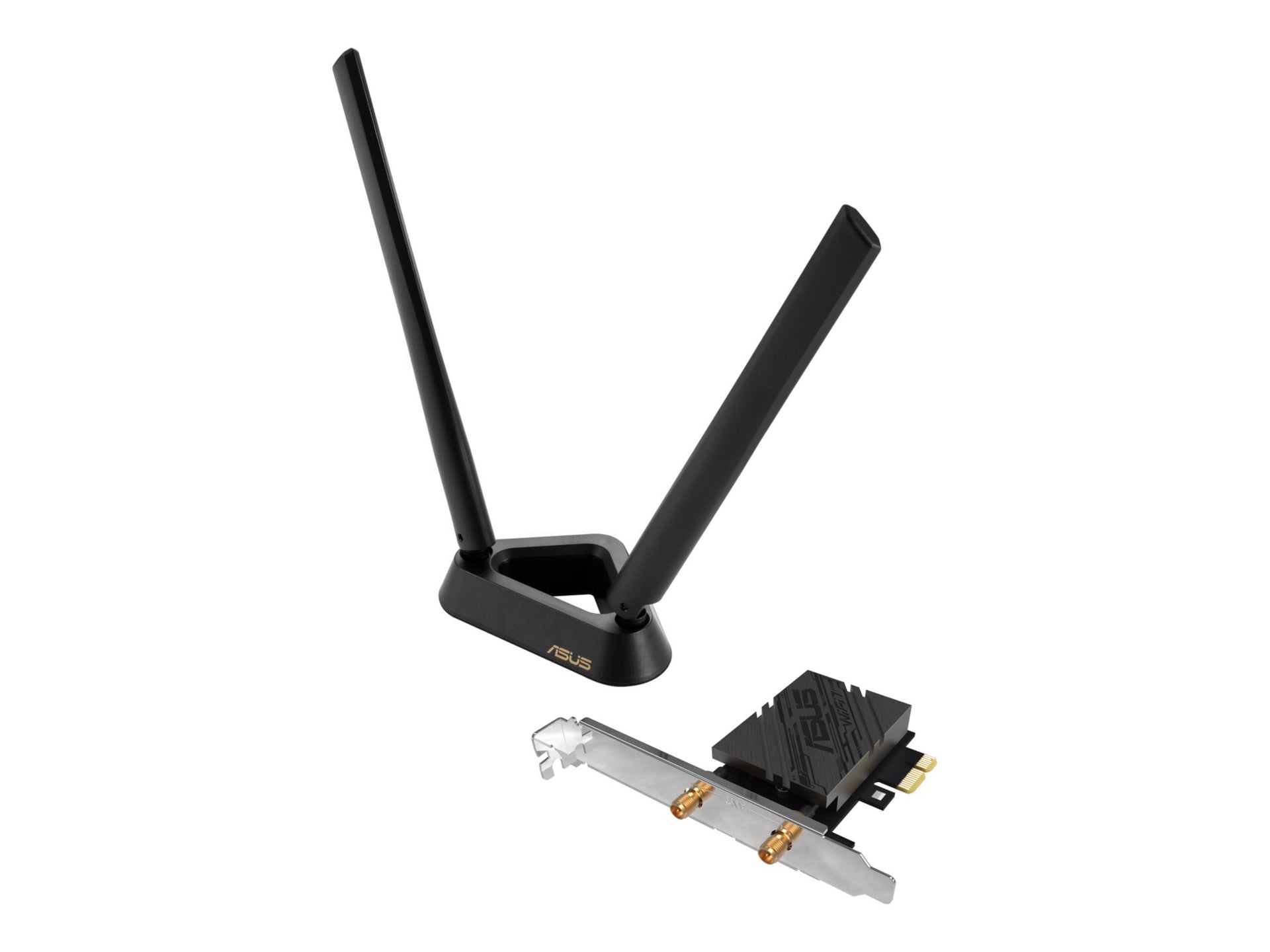
The ASUS BE6500 Tri-Band PCIe WiFi 7 adapter brings ultra-fast wireless connectivity to desktop PCs, crafted for power users, gamers, and busy offices that demand reliable multi-device performance. Leveraging ASUS’s networking expertise, it combines WiFi 7 speeds with secure Bluetooth 5.4 for a streamlined, future-ready connection.
-
WiFi Standard: 802.11be WiFi 7 with tri-band support for fast, responsive wireless connections
-
Bluetooth Version: Bluetooth 5.4 for reliable peripheral pairing
-
Security: WPA3 encryption to help safeguard your network
-
Technology: OFDMA and MU-MIMO for efficient data transmission and reduced latency
-
Multi-link Operation: Manages multiple links simultaneously to enhance connection stability
-
Interface: PCIe expansion card designed for desktop PCs
This adapter is purpose-built to deliver noticeably smoother online gaming, crisp video calls, and rapid file transfers in environments with several connected devices. The combination of WiFi 7 capabilities, advanced wireless technologies, and robust WPA3 security helps you achieve a more seamless and secure network experience. Built to integrate with standard desktop setups, it offers a straightforward upgrade path without compromising your existing hardware.
Specs
-
WiFi Standard: 802.11be (WiFi 7) Tri-Band
-
Bluetooth: 5.4
-
Security: WPA3
-
Key Technologies: OFDMA, MU-MIMO
-
Operation: Multi-link operation for improved stability
-
Form Factor: PCIe desktop expansion card
-
Brand: ASUS
FAQ
-
Q: What is the ASUS BE6500?
A: It’s a Tri-Band PCIe WiFi 7 adapter with Bluetooth 5.4 that upgrades a desktop PC’s wireless and peripheral connectivity.
-
Q: What advantages does WiFi 7 bring?
A: WiFi 7 enables faster overall speeds, lower latency, and better performance when multiple devices use the network simultaneously, improving gaming, streaming, and file transfers.
-
Q: What is Multi-link Operation, and why does it matter?
A: Multi-link Operation helps stabilize connections by coordinating across multiple links, reducing interruptions when several devices access the network at once.
-
Q: Is WPA3 security included?
A: Yes, the BE6500 supports WPA3 encryption to enhance wireless network security and protect user data.
-
Q: How do I install the ASUS BE6500?
A: Install the PCIe card into a compatible PCIe slot on your desktop, install the provided drivers, and follow on-screen setup to enable WiFi and Bluetooth connections.