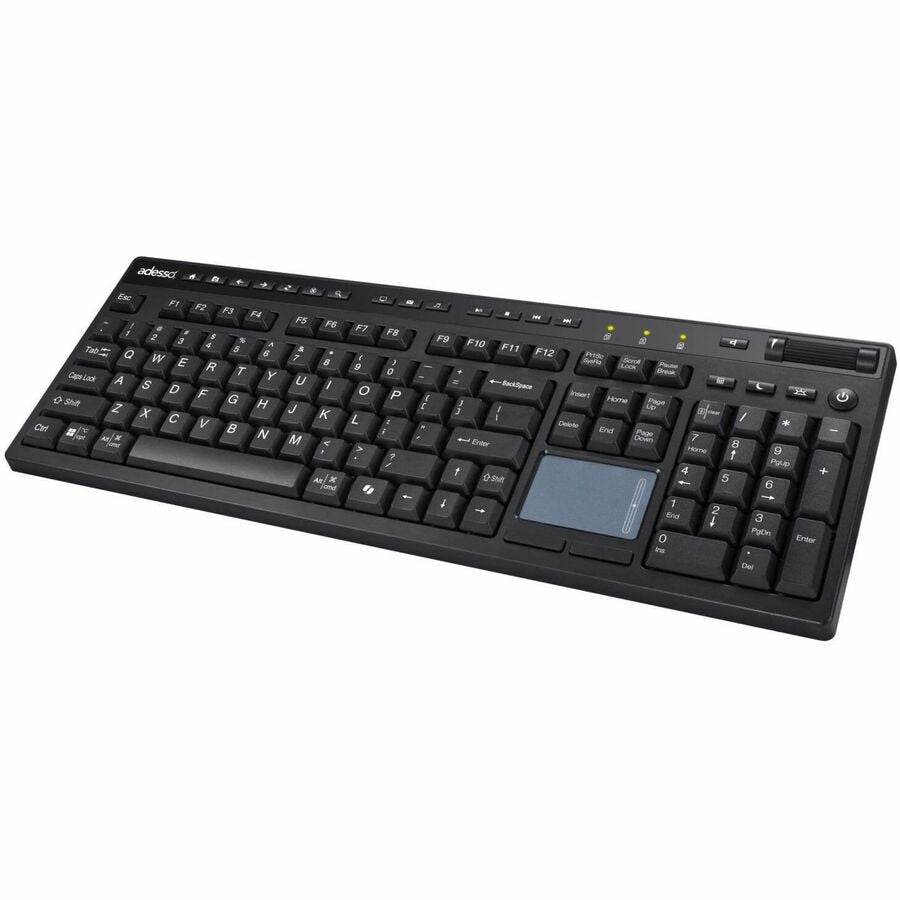
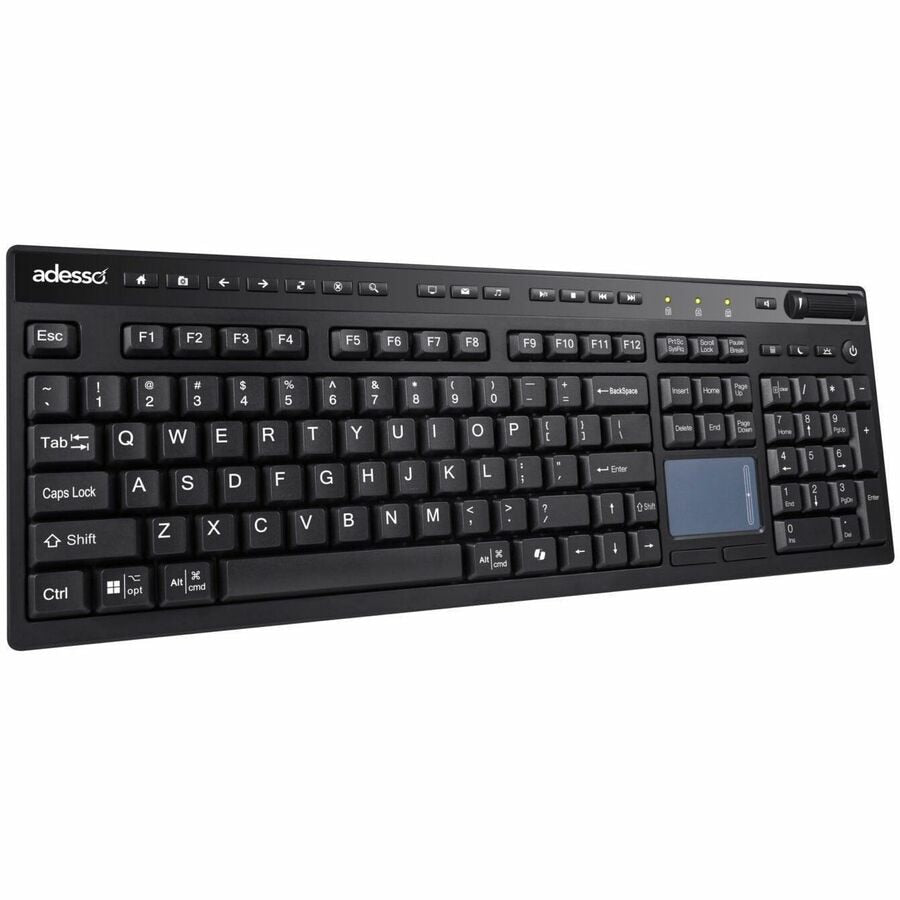
Adesso WKB-4450UB Multi OS Wireless Desktop Keyboard with Touchpad
The Adesso WKB-4450UB wireless desktop keyboard is engineered for professionals and home users who demand a complete input solution without cable clutter. This multi OS wireless keyboard combines a full-size 104-key layout with an integrated touchpad, eliminating the need for a separate mouse while supporting both Windows and Mac operating systems. The RF wireless connectivity provides reliable, cable-free operation with no line-of-sight limitations, making it ideal for flexible workspace setups, media centers, and productivity-focused environments where a keyboard with touchpad simplifies your desktop.
Key Features
- Full-size 104-key layout with dedicated numeric keypad for efficient data entry
- Integrated touchpad eliminates the need for a separate mouse or trackpad
- Multi OS key configurations support both Windows and Mac seamlessly
- RF wireless connectivity provides cable-free operation and freedom of movement
- No line-of-sight limitations for reliable wireless range and flexibility
- Large touchpad surface for smooth cursor control and navigation
- Ergonomic full-size design reduces strain during extended typing sessions
Technical Specifications
| Specification |
Details |
| Manufacturer |
ADESSO INNOVATION INC |
| Part Number |
WKB-4450UB |
| Keyboard Layout |
Full-size 104-key with numeric keypad |
| Connectivity |
RF Wireless |
| Input Device |
Integrated touchpad |
| Operating System Support |
Windows and Mac |
| Key Configuration |
Multi OS compatible |
Frequently Asked Questions
What is a wireless keyboard with touchpad used for?
A wireless keyboard with touchpad combines typing and cursor control in one device, eliminating cable management and the need for a separate mouse. It's perfect for home offices, media centers, and compact workspaces where desk real estate is limited.
Does the Adesso WKB-4450UB work with both Mac and Windows?
Yes, the multi OS wireless keyboard features dedicated key configurations for both Windows and Mac, allowing you to switch between operating systems without compatibility issues.
How does RF wireless connectivity differ from Bluetooth?
RF wireless provides reliable, cable-free connectivity without line-of-sight limitations, offering consistent performance across greater distances compared to standard Bluetooth connections.
Can I use the touchpad as a mouse replacement?
Yes, the integrated touchpad on this desktop keyboard fully replaces a traditional mouse, providing smooth cursor control and navigation for all computing tasks.