
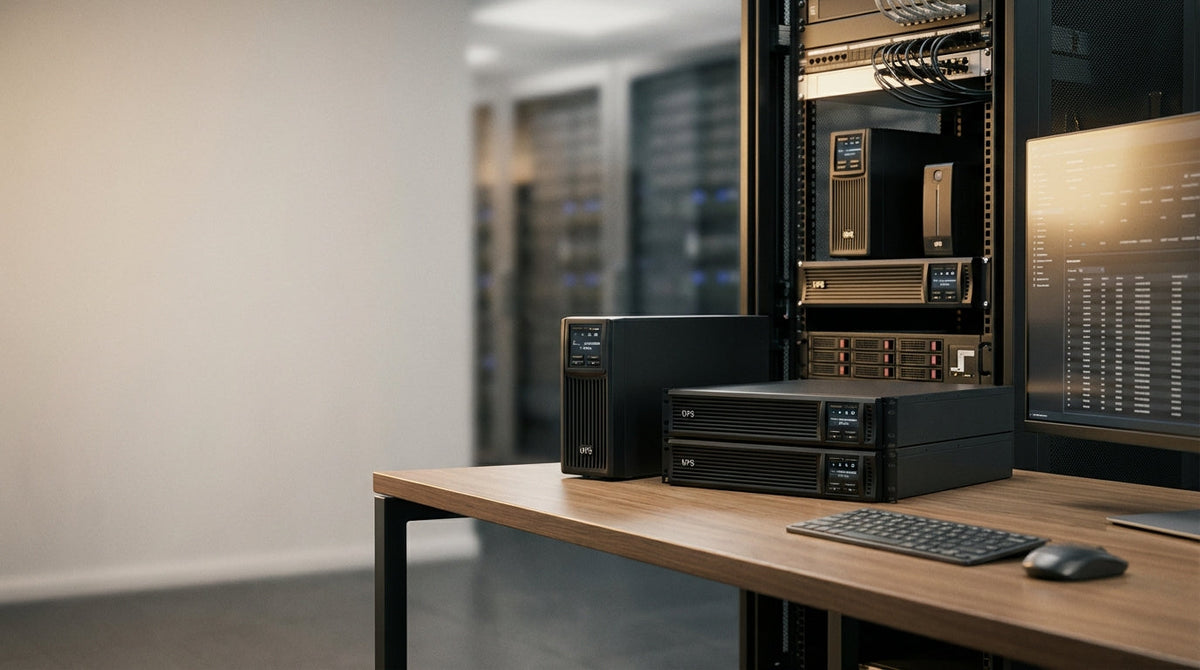
UPS Buying Guide: How to Choose the Right Battery Backup System
Choosing the right uninterruptible power supply (UPS) isn't just about preventing data loss during blackouts—it's about protecting expensive equipment from the everyday power fluctuations that slowly degrade electronics over time. Many buyers get overwhelmed by technical specifications like VA ratings, topology types, and runtime calculations.
This guide breaks down the key decisions you need to make: what type of power protection your equipment actually needs, how much backup capacity to buy, and which features justify the extra cost. Whether you're protecting a home office workstation or a small business server room, we'll help you avoid both over-buying expensive features you don't need and under-buying protection that leaves you vulnerable.
At Tecisoft, we've helped countless businesses and home offices choose UPS systems that match their actual power protection needs and budgets.
Understanding the Three Types of UPS Systems
Not all power problems require the same solution. The three main UPS topologies offer different levels of protection at very different price points.
Standby UPS: Basic Blackout Protection
Standby (or "offline") UPS units switch to battery power only during complete outages. They're the most affordable option but offer minimal protection against voltage fluctuations.
Best for:
- Home offices with basic equipment
- Areas with stable utility power
- Protecting against occasional blackouts only
Limitations:
- No voltage regulation during normal operation
- Brief switching delay (4-8 milliseconds) when transferring to battery
- Won't protect against brownouts or surges
Line-Interactive UPS: The Sweet Spot for Most Users
Line-interactive units include voltage regulation that automatically corrects minor power fluctuations without switching to battery. This extends battery life and provides broader protection.
Best for:
- Small business servers and workstations
- Home offices in areas with occasional power quality issues
- Equipment worth $1,000+ that you can't afford to lose
Key advantages:
- Automatic voltage regulation (AVR) handles most power problems
- Longer battery life due to less frequent switching
- Better price-to-protection ratio than double-conversion models
Double-Conversion (Online) UPS: Maximum Protection
Double-conversion units continuously convert AC power to DC and back to AC, creating a "firewall" between your equipment and utility power. They offer the highest protection but at a premium price.
Best for:
- Mission-critical servers and data centers
- Areas with frequent power quality problems
- Equipment that's extremely sensitive to any power variations
Trade-offs:
- Highest cost and ongoing energy consumption
- Generate more heat, requiring better ventilation
- More complex, potentially higher maintenance needs
Calculating the Right UPS Capacity
Buying too small means inadequate runtime; buying too large wastes money and reduces efficiency. Here's how to size correctly.
Step 1: Add Up Your Equipment's Power Draw
List every device you want to protect and find its power consumption in watts. Check the device label, manual, or manufacturer website—don't guess.
Common power draws:
- Desktop PC: 200-400 watts
- Monitor (24"): 30-50 watts
- Router/modem: 10-15 watts
- Network switch: 15-30 watts
- Small server: 300-600 watts
Step 2: Apply the 80% Rule
Never load a UPS beyond 80% of its capacity rating. If your equipment draws 600 watts, you need at least a 750-watt UPS (600 ÷ 0.8 = 750).
Step 3: Consider Growth and Runtime Needs
A larger UPS provides longer runtime and room for additional equipment. However, don't oversize dramatically—UPS efficiency drops significantly when lightly loaded.
Runtime targets:
- Home office: 10-15 minutes (enough for safe shutdown)
- Small business: 15-30 minutes (time to start backup generator or complete critical tasks)
- Server applications: 30+ minutes (depends on backup procedures)
Key Features That Actually Matter
Smart Management and Monitoring
Networkable UPS systems with web interfaces or SNMP support allow remote monitoring and automatic shutdown procedures. This is essential for unattended servers but optional for workstations.
Smart features worth paying for:
- Automatic shutdown software for connected computers
- Email/SMS alerts for power events
- Battery health monitoring and replacement alerts
- Load monitoring to prevent overloading
Battery Type and Replacement
Most UPS units use sealed lead-acid batteries that last 3-5 years. Factor replacement costs into your total cost of ownership.
Battery considerations:
- User-replaceable batteries reduce service costs
- Hot-swappable batteries allow replacement without downtime
- Lithium batteries last longer but cost significantly more upfront
Output and Input Connections
Ensure adequate outlets for your equipment, including any special connector types.
Connection checklist:
- Sufficient standard AC outlets
- Network/phone line surge protection if needed
- USB or serial connection for management software
- Display panel for status monitoring
Choosing by Use Case
Home Office Setup
Typical needs: Protect 1-2 computers, monitors, router, and modem
Recommended approach:
- Line-interactive UPS, 1000-1500VA capacity
- 10-15 minute runtime target
- USB management connection
- Surge protection for phone/network lines
Small Business Server
Typical needs: Protect server, network equipment, and critical workstations
Recommended approach:
- Line-interactive or double-conversion UPS, 1500-3000VA
- 20-30 minute runtime target
- Network management capability
- Automatic shutdown software
- Consider redundant UPS units for critical systems
Growing Business
Typical needs: Scalable protection as you add equipment
Recommended approach:
- Modular or rack-mount UPS systems
- Network management and monitoring
- Plan for 50-100% growth in power requirements
- Consider separate UPS units for different equipment types
Frequently Asked Questions
How long will a UPS battery backup last during a power outage?
Runtime depends on the UPS capacity and your equipment's power draw. A 1500VA UPS powering 300 watts of equipment typically provides 15-20 minutes of backup time. Higher loads reduce runtime significantly, while lighter loads extend it.
Can I use a UPS with any type of electronic equipment?
Most modern electronics work fine with UPS systems, but some devices like laser printers or space heaters draw too much power and can damage the UPS. Check your UPS manual for restrictions on inductive loads or high-power devices.
How often do UPS batteries need replacement?
Sealed lead-acid UPS batteries typically last 3-5 years with normal use. Frequent deep discharges, high temperatures, and age reduce battery life. Most UPS units include battery monitoring that alerts you when replacement is needed.
What's the difference between VA and watt ratings on UPS systems?
VA (volt-amperes) represents the total electrical capacity, while watts represent actual power consumption. Modern equipment typically has a power factor of 0.8-0.9, meaning a 1500VA UPS provides roughly 1200-1350 watts of actual power.
Do I need surge protection if I have a UPS?
All UPS systems include basic surge protection, but dedicated surge protectors often provide better protection for low-value equipment that doesn't need battery backup. Never connect a UPS to a surge protector or vice versa—this can cause compatibility issues.
Should I keep my UPS plugged in all the time?
Yes, UPS systems are designed to remain plugged in continuously. This keeps the batteries charged and ready for power outages. Most units include automatic battery testing and conditioning to maintain optimal performance.
Making Your Final Decision
Choosing the right UPS comes down to three key factors: the level of power protection your equipment needs, the amount of backup runtime required, and your budget for both initial purchase and ongoing battery replacement.
Your next steps:
- Calculate your total equipment power draw
- Decide between standby, line-interactive, or double-conversion based on your power quality needs
- Size the UPS for 80% maximum load and your desired runtime
- Compare features like network management, battery replacement options, and warranty terms
Ready to protect your equipment with reliable battery backup? Explore our comprehensive Uninterruptible Power Supplies range at Tecisoft to find UPS systems that match your specific power protection needs and budget.
Ready to find the right solutions for your needs?
Explore Collection




