
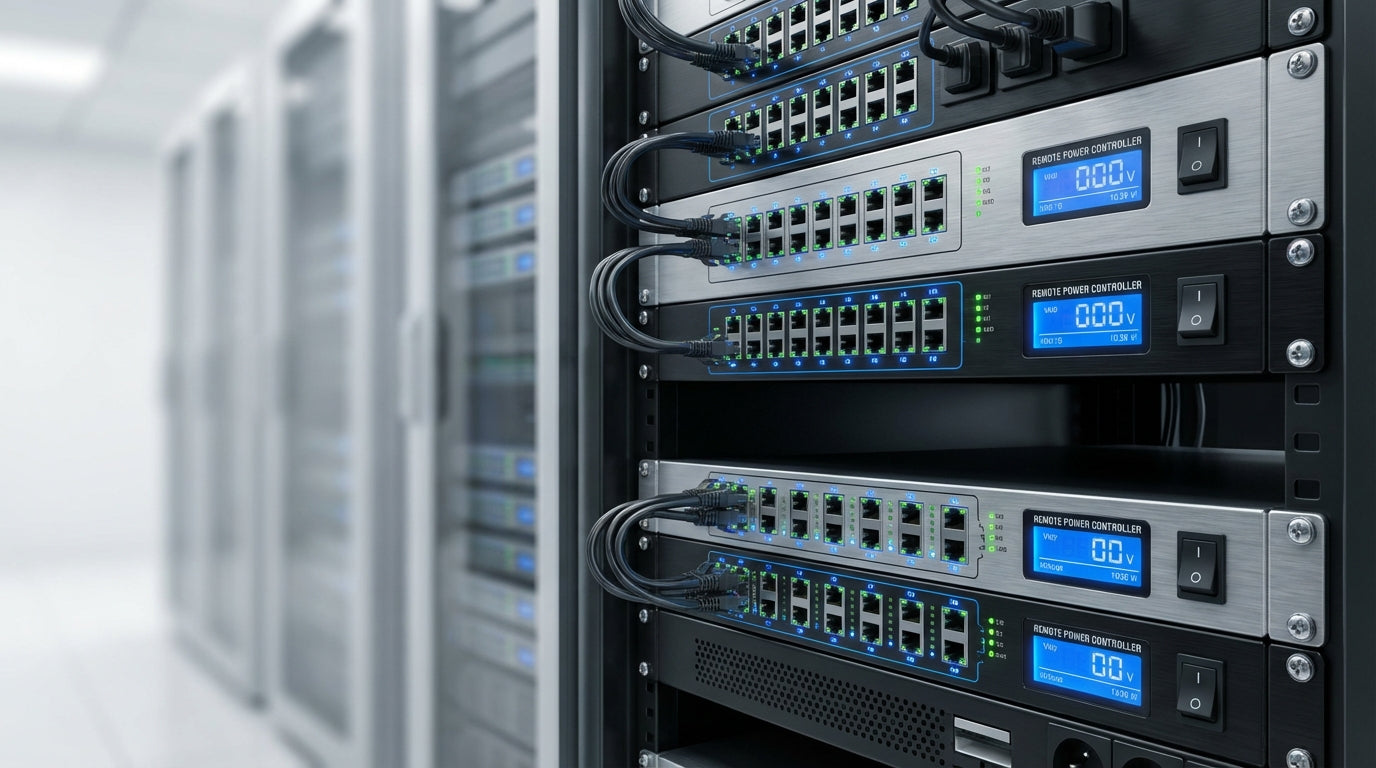
Remote Power Controllers Buying Guide: How to Choose the Right Network-Managed PDU
Remote Power Controllers Buying Guide: How to Choose the Right Network-Managed PDU
Selecting the right remote power controller can mean the difference between quick remote fixes and costly site visits. With options ranging from basic IP power strips to enterprise-grade switched PDUs, many IT managers struggle to identify which features justify the cost and which are just marketing fluff.
This guide walks through the key decision points for network-managed power distribution units (PDUs), from outlet-level switching to environmental monitoring. Whether you're managing remote branch offices, upgrading server room infrastructure, or building out data center capacity, we'll cover the practical considerations that determine long-term reliability and operational efficiency.
Tecisoft's remote power controller selection includes everything from single-outlet switches to enterprise rack PDUs, with the technical expertise to help you match capabilities to real-world deployment needs.
Understanding Remote Power Controller Types
IP Power Strips: Entry-Level Remote Control
IP power strips bring network management to smaller installations with 4-12 outlets in desktop or wall-mount formats. These units work well for branch offices, small network closets, and situations where full rack PDUs are overkill.
Key characteristics:
- Outlet count: 4-12 outlets, typically NEMA 5-15R or IEC C13
- Form factor: Desktop, wall-mount, or compact rack-mount
- Management: Web interface, basic SNMP, sometimes mobile apps
- Power ratings: Usually 15A or 20A total capacity
Best applications:
- Branch office network equipment (routers, switches, small servers)
- Digital signage and kiosk deployments
- Small lab environments and test benches
- Home office setups requiring remote management
Limitations to consider:
- Limited expansion options
- Often single-feed power only
- Basic environmental monitoring or none
Rack PDUs: Enterprise-Grade Power Management
Rack PDUs represent the backbone of serious data center and server room power management, available in horizontal (1U/2U) and vertical (0U) configurations.
Horizontal Rack PDUs (1U/2U)
Specifications:
- Outlet range: 4-24 outlets depending on size and type
- Input ratings: 15A to 30A common, with higher-amp options available
- Outlet types: Mix of C13/C19 or NEMA configurations
Advantages:
- Easy access to outlets and controls
- Front-panel displays for local monitoring
- Simpler cable management in some configurations
Trade-offs:
- Consumes valuable rack space
- May conflict with equipment depth in shallow racks
Vertical Rack PDUs (0U)
Specifications:
- Outlet density: 16-48+ outlets in vertical strip format
- Input options: Single or dual-feed models available
- Mounting: Side rails or rear-mount configurations
Benefits:
- Zero rack space consumption
- Higher outlet density for blade servers and dense deployments
- Often dual-feed options for redundancy
Considerations:
- Requires adequate clearance in rack sides or rear
- Cable management more critical for accessibility
Switched vs. Metered vs. Basic PDUs
Understanding the control and monitoring capabilities determines which PDU type matches your operational needs:
Basic PDUs:
- No network connectivity or remote control
- Power distribution only
- Not technically "remote power controllers"
Metered PDUs:
- Monitor power consumption (total or per-branch)
- No remote outlet control
- Good for capacity planning and billing
Switched PDUs:
- Individual outlet on/off/reboot control
- Network management via web, SNMP, or API
- Essential for remote power cycling
Switched + Metered:
- Combines outlet control with detailed power monitoring
- Per-outlet or per-bank metering options
- Best choice for comprehensive power management
Essential Features for Business Environments
Outlet Control Capabilities
Per-outlet switching:
- Individual on/off/reboot control for each outlet
- Critical for isolating problems without affecting other equipment
- Enables selective shutdown during maintenance or emergencies
Power sequencing:
- Staggered startup to prevent inrush current overloads
- Customizable delays between outlet activation
- Protects circuit breakers during power restoration
Access control:
- Role-based permissions for different user types
- Outlet-level lockouts to prevent accidental shutdowns
- Integration with enterprise authentication systems
Power Monitoring and Alerting
Load monitoring levels:
- Unit-level: Total amperage and power consumption
- Branch-level: Per-circuit monitoring in multi-feed units
- Outlet-level: Individual device power tracking for detailed analysis
Threshold alerting:
- Configurable warnings before circuit limits
- High/low voltage and frequency monitoring
- Power factor and efficiency tracking in advanced models
Historical data:
- Energy consumption trends for capacity planning
- Peak demand analysis for rightsizing circuits
- Export capabilities for billing and reporting
Environmental Integration
Built-in sensors:
- Temperature monitoring for cabinet hotspots
- Humidity tracking for condensation risk
- Combined temp/humidity sensors reduce complexity
Expansion options:
- Additional sensor ports for door contacts, leak detection
- Integration with existing building management systems
- Dry contact inputs for generator status, UPS alarms
Redundancy and Reliability Features
Dual-feed power:
- A/B input feeds for equipment with redundant power supplies
- Automatic failover or manual transfer options
- Load balancing across multiple power sources
Controller redundancy:
- Dual network connections with failover
- Non-volatile configuration storage
- Watchdog circuits to prevent firmware lockups
Management Protocols and Integration
Web-Based Management
Modern PDUs provide comprehensive web interfaces that should include:
Core functionality:
- Real-time outlet status and control
- Power consumption dashboards with historical trends
- Configuration backup and restore capabilities
- Firmware update mechanisms
Usability features:
- Mobile-responsive design for tablet/phone access
- Bulk operations for multiple outlet control
- Clear visual indicators for alarms and status
SNMP Integration
Protocol versions:
- SNMPv3 strongly preferred for security (encryption and authentication)
- SNMPv1/v2c acceptable for isolated management networks
- Comprehensive MIB files for full feature access
Monitoring capabilities:
- Real-time polling of power metrics and outlet states
- SNMP trap generation for threshold violations
- Integration with enterprise monitoring platforms
API and Automation
Programming interfaces:
- REST/JSON APIs for modern integration
- Command-line tools for scripting
- SDK availability for custom applications
Automation scenarios:
- Scheduled power cycling for maintenance windows
- Policy-based responses to monitoring alerts
- Integration with orchestration and deployment tools
Sizing and Electrical Specifications
Current and Voltage Requirements
Input specifications:
- Voltage compatibility: 100-120V, 200-240V, or universal input
- Current ratings: Must not exceed circuit breaker capacity
- Phase requirements: Single-phase for smaller loads, 3-phase for high-density racks
Practical sizing guidelines:
- Plan for 80% of circuit breaker rating under continuous load
- Account for equipment inrush current during startup
- Consider future expansion when selecting PDU capacity
Outlet Configuration
Connector types:
- NEMA 5-15R/5-20R: Standard North American office equipment
- IEC C13/C19: Server and networking equipment standard
- Mixed configurations: Flexibility for diverse equipment types
Spacing considerations:
- Adequate clearance for wall adapters and transformer plugs
- Angled outlets to maximize density while maintaining accessibility
- Locking outlet options for critical connections
Business Use Cases and ROI Justification
Remote Branch Offices
Common challenges:
- Network equipment lockups requiring manual resets
- After-hours connectivity issues
- Limited local technical support
PDU solution benefits:
- Remote reboot capability eliminates many truck rolls
- Environmental monitoring prevents temperature-related failures
- Scheduled maintenance outside business hours
Small to Medium Server Rooms
Operational requirements:
- Safe power cycling of unresponsive servers
- Capacity management to prevent circuit overloads
- Documentation for compliance and planning
Value proposition:
- Reduced downtime through faster problem resolution
- Better capacity utilization through detailed monitoring
- Improved safety through remote control capabilities
Data Centers and Colocation
Advanced needs:
- Per-tenant power monitoring and billing
- Coordinated A/B power management
- Integration with DCIM and monitoring systems
Enterprise benefits:
- Detailed energy reporting for cost allocation
- Reduced operational overhead through automation
- Enhanced SLA capabilities with power availability tracking
Security and Compliance Considerations
Network Security
Access control:
- Strong authentication with role-based permissions
- Integration with LDAP/Active Directory where possible
- Regular password policy enforcement
Network protocols:
- Disable unnecessary services and protocols
- Use encrypted communications (HTTPS, SNMPv3, SSH)
- Implement network segmentation for management traffic
Audit and Compliance
Logging capabilities:
- Detailed audit trails of all power operations
- Syslog export for centralized security monitoring
- Tamper detection and alerting
Documentation requirements:
- Change management integration for power operations
- Compliance reporting for regulatory requirements
- Regular security assessment and updates
Frequently Asked Questions
What's the difference between switched and metered PDUs?
Switched PDUs allow you to remotely turn individual outlets on and off, which is essential for rebooting frozen equipment without site visits. Metered PDUs only monitor power consumption but cannot control outlet power. Many modern units combine both capabilities, providing both control and detailed energy monitoring.
How do I calculate the right PDU capacity for my equipment?
Add up the actual power draw of your equipment (not just nameplate ratings) and ensure the total stays below 80% of the PDU's rated capacity. For example, a 20A PDU should handle no more than 16A of continuous load. Factor in startup inrush current and future expansion when sizing.
Can remote PDUs work with my existing monitoring system?
Most quality PDUs support standard protocols like SNMP and syslog, making them compatible with popular monitoring platforms like Nagios, PRTG, and SolarWinds. Check that the vendor provides proper MIB files and documentation for your specific monitoring tools.
What happens if the network connection fails?
While you lose remote control capability, the PDU continues providing power normally. Many units offer alternative access methods like serial console ports, cellular backup connections, or integration with out-of-band management systems. Some also provide front-panel controls for local management.
Are there security risks with network-managed PDUs?
Like any network device, PDUs can present security risks if not properly configured. Use strong authentication, disable unnecessary services, keep firmware updated, and place PDUs on isolated management networks. The operational benefits typically far outweigh the risks when proper security practices are followed.
How long do remote power controllers typically last?
Quality commercial PDUs often provide 5-10 years of reliable service with minimal maintenance. Key factors include relay cycle ratings (for switched models), environmental conditions, and electrical load stress. Look for units with replaceable components and long-term vendor support commitments.
Making Your Remote Power Controller Selection
Successful PDU deployment starts with clearly understanding your power management needs and growth plans. Consider both immediate requirements and future expansion when evaluating options.
Selection checklist:
- Assess current and planned equipment power requirements
- Determine necessary outlet count and connector types
- Identify required management features (switching, metering, environmental)
- Verify compatibility with existing monitoring and management tools
- Plan for proper installation, network connectivity, and security
- Consider total cost of ownership including installation and management overhead
Explore our comprehensive Remote Power Controllers range at Tecisoft to find solutions that match your specific power management requirements, backed by technical support to ensure reliable deployment and operation.
Ready to find the right solutions for your needs?
Explore Collection




