
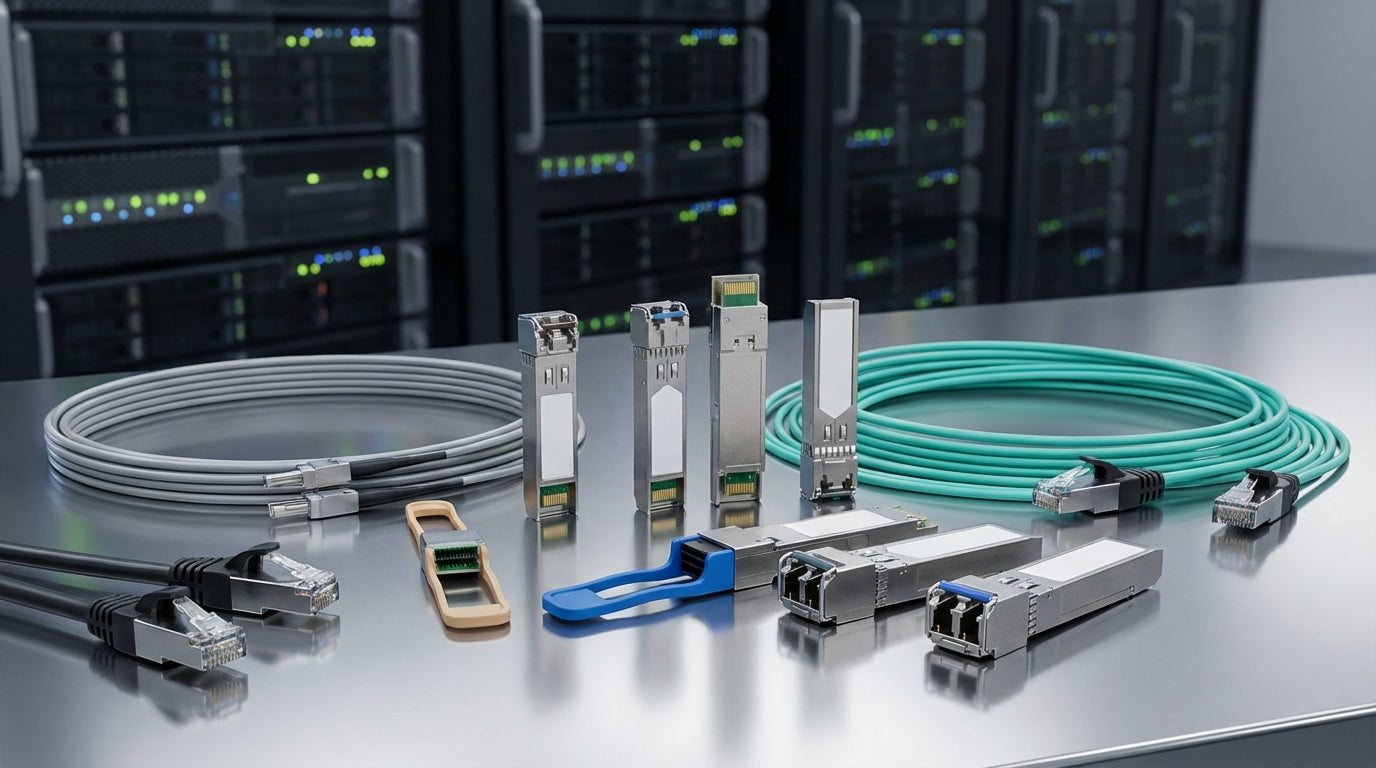
Network Transceiver Modules: Complete Buying Guide for 2024
Network transceiver modules are the critical components that convert electrical signals to optical signals (and back) to enable high-speed data transmission across fiber optic networks. For many IT managers and business owners, choosing the right transceiver can feel overwhelming—there are dozens of form factors, speed ratings, and compatibility considerations to navigate.
This guide cuts through the technical jargon to help you understand which type of network transceiver module your business actually needs, what specs matter most, and how to avoid common purchasing mistakes that can cost time and money.
At Tecisoft, we help businesses across North America select the right transceivers for everything from small office networks to enterprise data centers, so we understand the real-world trade-offs you need to consider.
Understanding Transceiver Form Factors and Speeds
Network transceivers come in several standard form factors, each designed for different speed and density requirements:
SFP (Small Form-factor Pluggable)
- Speed: Up to 1 Gbps
- Best for: Small offices, legacy equipment, cost-conscious deployments
- Key advantage: Lowest cost per port, widely compatible
- Limitation: Speed ceiling of 1 Gbps
SFP+ (Enhanced SFP)
- Speed: Up to 10 Gbps
- Best for: Medium businesses, server connections, network uplinks
- Key advantage: Same physical size as SFP, backward compatible
- Real-world use: Most common choice for 10G Ethernet connections
QSFP+ (Quad SFP+)
- Speed: Up to 40 Gbps (using 4 x 10 Gbps lanes)
- Best for: Data centers, high-bandwidth applications, spine connections
- Key advantage: Higher port density—one QSFP+ port replaces four SFP+ ports
- Trade-off: Higher power consumption, more complex breakout scenarios
QSFP28
- Speed: Up to 100 Gbps (using 4 x 25 Gbps lanes)
- Best for: Modern data centers, cloud infrastructure, future-proofing
- Key advantage: Backward compatible with QSFP+ slots
- Consider if: You're planning for growth beyond 40 Gbps
Key Decision Criteria for Business Networks
Transmission Distance Requirements
The distance between your network equipment determines which fiber type and transceiver variant you need:
Short-Range (Under 500 meters)
- Use multimode fiber with SR (Short Range) transceivers
- Lower cost, adequate for most building-to-building connections
- Common in campus networks and data center racks
Long-Range (500 meters to 40+ kilometers)
- Requires single-mode fiber with LR (Long Range) or ER (Extended Range) transceivers
- Higher cost but essential for WAN connections, campus backbones
- Factor in power budget calculations for very long runs
Copper Connections (Under 30 meters)
- Direct Attach Cables (DAC) or copper RJ45 transceivers
- Lowest latency and cost for rack-to-rack connections
- Limited distance but perfect for server-to-switch links
Compatibility and Interoperability
The biggest purchasing mistake is buying transceivers that don't work with your existing equipment:
MSA Compliance
- Look for Multi-Source Agreement (MSA) compliant modules
- Ensures compatibility across different vendor equipment
- Avoids vendor lock-in while maintaining reliability
Coded vs. Generic Modules
- Vendor-coded modules guarantee compatibility but cost more
- Generic modules offer significant savings but require verification
- Test compatibility before large deployments
Future-Proofing Considerations
- SFP+ ports accept SFP modules (at reduced 1G speed)
- QSFP28 modules work in QSFP+ slots (at 40G speed)
- Plan upgrade paths to avoid stranded investments
Choosing for Common Business Scenarios
Small Office (5-25 employees)
Typical needs: Internet connectivity, file sharing, basic applications
Recommended: SFP or SFP+ transceivers with multimode fiber
Key specs: 1G or 10G speed, SR variant, LC connectors
Budget consideration: Start with 1G, upgrade ports to 10G as needed
Growing Business (25-100 employees)
Typical needs: Server virtualization, cloud services, video conferencing
Recommended: SFP+ for access, consider QSFP+ for uplinks
Key specs: 10G for workstation connections, 40G for server links
Scalability factor: Plan switch infrastructure for 3-year growth
Data Center or Enterprise
Typical needs: High-density connectivity, east-west traffic, storage networks
Recommended: QSFP+ minimum, QSFP28 for new deployments
Key specs: 40G/100G speeds, both SR and LR variants
Density priority: QSFP variants reduce cable management complexity
Power and Thermal Considerations
Higher-speed transceivers consume more power and generate more heat:
Power Planning
- SFP: ~1W per module
- SFP+: ~1-2W per module
- QSFP+: ~3-4W per module
- QSFP28: ~5-7W per module
Cooling Requirements
- Dense QSFP deployments may require additional cooling
- Front-to-back airflow orientation matters in rack design
- Factor power costs into total cost of ownership calculations
FAQ
What's the difference between single-mode and multimode transceivers?
Single-mode transceivers use laser light and thin-core fiber to transmit over long distances (up to 40+ km), while multimode transceivers use LED light and thicker-core fiber for shorter distances (typically under 500m). Single-mode costs more but offers greater reach and bandwidth potential.
Can I mix different transceiver brands in the same network?
Yes, as long as both transceivers are MSA-compliant and use the same specifications (speed, wavelength, fiber type). The transceivers communicate via light signals, so brand mixing typically works fine. However, always test compatibility before large deployments.
Do I need vendor-specific transceivers for warranty support?
Most equipment vendors support third-party MSA-compliant transceivers without voiding warranties, but policies vary. Generic transceivers can offer 50-80% cost savings compared to vendor-branded modules. Check your specific vendor's policy and consider the trade-off between cost and support simplicity.
How do I know if my network switch supports higher-speed transceivers?
Check your switch's datasheet for supported transceiver types and speeds. Many switches have backwards compatibility (SFP+ ports accept SFP modules), but you cannot use larger form factors in smaller ports (QSFP won't fit in SFP+ slots). Also verify power budget—older switches may not provide enough power for newer high-speed modules.
What's the typical lifespan of a network transceiver module?
Quality transceivers typically last 5-10 years in normal business environments. Factors affecting lifespan include operating temperature, power cycling frequency, and fiber cleanliness. Keep spare modules for critical links, as transceivers are more likely to fail than the switches themselves.
Should I buy transceivers when purchasing switches or separately?
Buying separately often saves 30-60% compared to bundled pricing, especially for standard configurations. However, bundling simplifies procurement and ensures compatibility. For new deployments, consider buying a few bundled modules for immediate use, then source additional modules separately as you scale.
Making Your Selection
Choosing the right network transceiver modules comes down to three main factors: the speeds you need today, the distances you need to cover, and your growth plans for the next 3-5 years.
Start by mapping your current network requirements, then add a reasonable growth buffer. Consider these steps:
- Audit your current speeds and identify bottlenecks
- Measure critical fiber runs to determine range requirements
- Check switch compatibility for form factors and power budgets
- Compare costs between vendor-coded and generic MSA-compliant options
- Plan for growth with higher-speed backbone connections
For expert guidance on selecting the right transceivers for your specific network requirements, explore our Network Transceiver Modules range at Tecisoft. Our team can help you balance performance, compatibility, and budget considerations to build a reliable, scalable network infrastructure.
Ready to find the right solutions for your needs?
Explore Collection




