
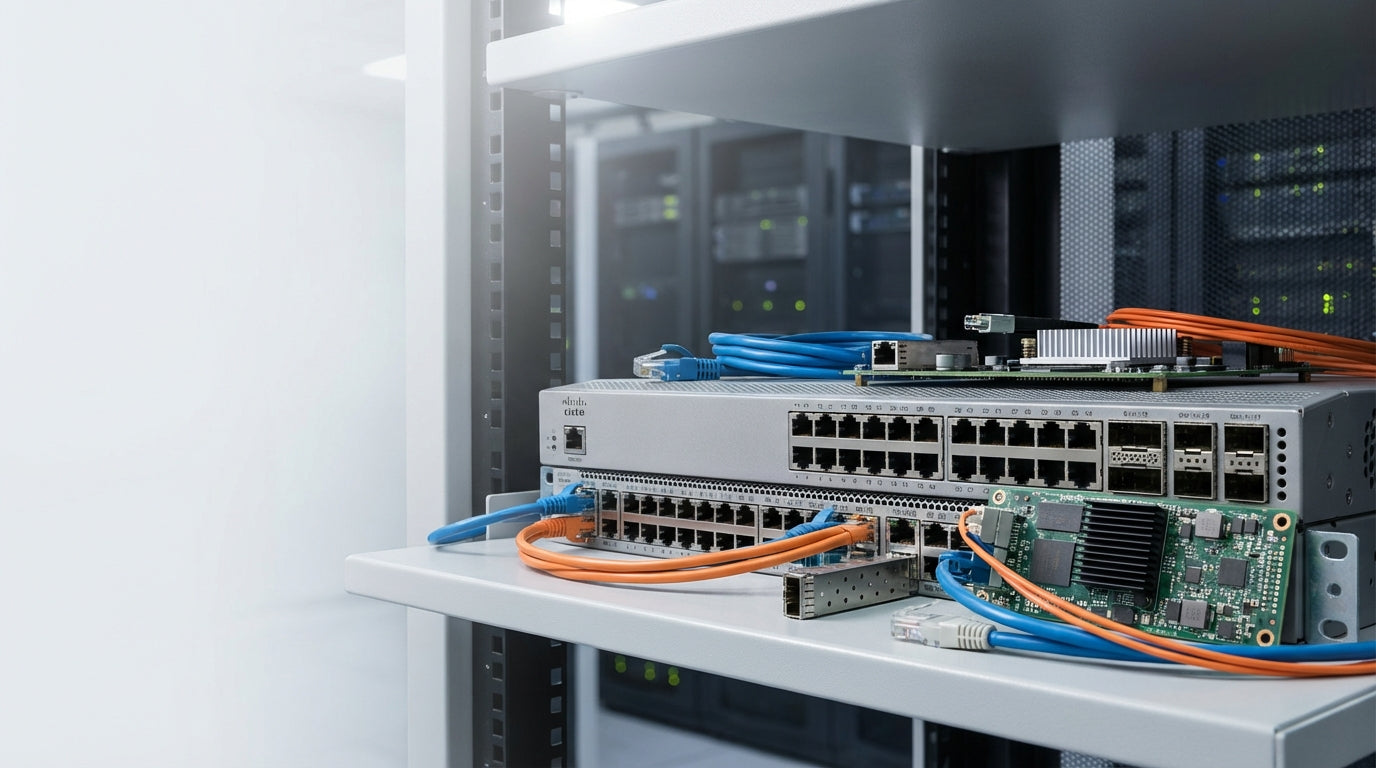
Network Switch Components Buying Guide: How to Choose the Right Parts
Essential Network Switch Components for Business Connectivity
Network switches form the backbone of modern business infrastructure, but the switch itself is only part of the equation. Network switch components—the modules, transceivers, power supplies, and accessories that extend functionality—determine whether your network can handle current demands and scale with business growth.
Choosing the right components can feel overwhelming when faced with dozens of module types, power options, and connectivity standards. Each component serves a specific purpose, but understanding which ones your network actually needs saves money and prevents compatibility headaches down the road.
At Tecisoft, we help businesses navigate the complex world of network infrastructure, matching switch components to real operational requirements rather than theoretical maximums.
Understanding Core Network Switch Components
Network switch components fall into several key categories, each addressing specific connectivity and performance needs:
Transceivers and Modules
Purpose: Convert electrical signals to optical or extend port capabilities
Common types: SFP, SFP+, QSFP+, XFP modules
Key decisions: Speed requirements, distance limitations, fiber type compatibility
Transceivers enable switches to connect over fiber optic cables or extend copper connections beyond standard ethernet limits. The module type determines maximum speed and supported distance.
Power Supply Units and Redundancy
Purpose: Provide reliable power to switches and connected devices
Common types: Internal PSUs, external power bricks, redundant power supplies
Key decisions: Power over Ethernet (PoE) requirements, redundancy needs, energy efficiency
Power components become critical when switches support PoE devices like security cameras, wireless access points, and VoIP phones.
Rack Mounting and Physical Infrastructure
Purpose: Secure installation and proper airflow management
Common types: Rack ears, mounting brackets, cable management systems
Key decisions: Rack unit height, weight distribution, cable organization
Network Management and Monitoring
Purpose: Enable configuration, monitoring, and troubleshooting
Common types: Console cables, management modules, environmental sensors
Key decisions: Local vs. remote management, monitoring detail level, integration requirements
SFP and Transceiver Module Selection
SFP (Small Form-factor Pluggable) Modules
Speed: 1 Gbps
Distance: 500m (multimode) to 10km+ (single-mode)
Best for: Standard business connections, moderate distances
Cost: Most economical fiber option
SFP modules handle most business networking needs efficiently. Choose multimode for building-internal connections under 500 meters, single-mode for longer runs or future-proofing.
SFP+ Modules
Speed: 10 Gbps
Distance: 300m (multimode) to 10km+ (single-mode)
Best for: High-performance networks, server connections, backbone links
Cost: Higher than SFP but essential for 10 Gbps performance
SFP+ modules support modern high-speed requirements. Essential for connecting servers, storage arrays, and creating high-bandwidth links between switches.
QSFP+ and Higher-Speed Options
Speed: 40 Gbps (QSFP+), 100 Gbps (QSFP28)
Distance: Varies by type, typically shorter runs
Best for: Data centers, core network infrastructure, high-density environments
Cost: Significant investment, specialized use cases
High-speed modules serve specialized applications. Most businesses don't require these speeds outside of core infrastructure or data center environments.
Copper vs. Fiber Transceivers
Copper (RJ45) modules:
- Lower cost for short distances
- Simpler installation and termination
- Limited to 100 meters
- Higher power consumption
Fiber optic modules:
- Longer distance capability
- Immune to electromagnetic interference
- Lower latency at distance
- Requires fiber infrastructure investment
Power Supply Considerations
Standard vs. PoE Power Requirements
Standard switches typically require:
- 50-200 watts depending on port count and features
- Single power input sufficient for most applications
- Focus on energy efficiency ratings
PoE switches demand significantly more power:
- PoE (802.3af): Up to 15.4 watts per port
- PoE+ (802.3at): Up to 30 watts per port
- PoE++ (802.3bt): Up to 60-90 watts per port
- Calculate total device power needs before selecting switches
Redundant Power Supplies
When needed: Mission-critical networks, 24/7 operations, remote locations
Benefits: Eliminates single point of failure, enables maintenance without downtime
Considerations: Adds cost and complexity, requires compatible switch chassis
Redundant power makes sense for switches supporting critical business functions or when network downtime costs exceed the additional investment.
Power Budget Calculations
Before selecting PoE switches and power supplies:
- Count PoE devices: Access points, cameras, phones, sensors
- Identify power requirements: Check device specifications for actual consumption
- Add safety margin: Plan for 80% of maximum power capacity
- Consider future expansion: Factor in likely device additions
Rack Mounting and Infrastructure Components
Rack Space Planning
Standard rack units (U): Most switches consume 1U-2U of rack space
Weight distribution: Consider switch weight and mounting point load limits
Airflow requirements: Plan intake and exhaust airflow paths
Cable management: Allocate space for proper cable routing and strain relief
Essential Mounting Accessories
- Rack ears: Standard mounting brackets for 19-inch racks
- Sliding rails: Allow switch removal without disconnecting cables
- Cable management panels: Organize and protect network connections
- Blanking panels: Maintain proper airflow in unused rack spaces
Environmental Considerations
Temperature: Most switches operate 0-40°C, plan for heat generation
Humidity: Avoid condensation with proper climate control
Ventilation: Ensure adequate front-to-back airflow
Power distribution: Use rack-mounted PDUs for reliable power delivery
Choosing Components for Different Scenarios
Small Office Network (10-25 users)
Switch requirements: 24-48 port managed switch with PoE+
Key components:
- 2-4 SFP ports for fiber uplinks or server connections
- Adequate PoE budget for wireless access points and VoIP phones
- Basic rack mounting or desktop form factor
- Single power supply sufficient
Typical setup: 24-port PoE+ switch with 4 SFP uplinks, rack-mounted with basic cable management
Growing Business Network (25-100 users)
Switch requirements: Stackable or chassis-based switches
Key components:
- Mix of SFP and SFP+ modules for varied speed requirements
- Redundant power supplies for critical switches
- Professional rack mounting with proper cable management
- Network management capabilities for monitoring and troubleshooting
Typical setup: Multiple stackable switches with 10 Gbps SFP+ interconnects, redundant power on core switches
Enterprise Network Infrastructure
Switch requirements: Modular chassis or high-density fixed switches
Key components:
- High-speed QSFP+ modules for core connections
- Redundant power and cooling systems
- Advanced management modules with environmental monitoring
- Professional cable management and labeling systems
Typical setup: Chassis-based core switches with line cards, redundant supervisors and power, comprehensive monitoring
Component Compatibility and Standards
Ensuring Component Compatibility
Manufacturer specifications: Verify module compatibility with specific switch models
Standards compliance: Look for IEEE 802.3 compliance markings
Power requirements: Match component power needs to switch capabilities
Form factor: Confirm physical compatibility (SFP vs. SFP+, etc.)
Multi-Vendor Considerations
Benefits: Lower costs, avoiding vendor lock-in
Risks: Compatibility issues, limited support, potential performance problems
Best practices: Test compatibility in non-production environments, maintain vendor relationships for critical components
Future-Proofing Strategies
Modular design: Choose switches with expansion capabilities
Standards-based components: Avoid proprietary solutions when possible
Scalable power: Size power infrastructure for growth
Management compatibility: Ensure components work with existing tools
Installation and Maintenance Best Practices
Component Installation Guidelines
Power down safely: Always power off switches before installing modules
Handle with care: Use anti-static precautions, avoid touching contacts
Secure connections: Ensure proper seating and locking mechanisms
Document changes: Maintain accurate network diagrams and component lists
Ongoing Maintenance
Environmental monitoring: Track temperature, humidity, and power consumption
Firmware updates: Keep switch and module firmware current
Spare components: Maintain inventory of critical spare parts
Performance monitoring: Track utilization and error rates
Troubleshooting Common Issues
Module not recognized: Check compatibility, reseat module, verify power
Performance problems: Verify cable quality, check for electromagnetic interference
Power issues: Calculate total PoE load, check power supply ratings
Connectivity problems: Test cables, verify transceiver specifications
Frequently Asked Questions
What's the difference between SFP and SFP+ modules?
SFP modules support up to 1 Gbps speeds while SFP+ modules handle up to 10 Gbps. They're physically compatible but performance is limited by the slower standard. SFP+ modules cost more but provide better future-proofing for high-speed applications.
Do I need redundant power supplies for my network switch?
Redundant power supplies are essential for mission-critical networks where downtime costs exceed the additional investment. For most small to medium businesses, a single quality power supply with UPS backup provides adequate protection.
Can I mix different transceiver brands in the same switch?
While possible, mixing brands can create compatibility and support issues. It's generally better to standardize on compatible transceivers from reputable manufacturers, especially for critical network connections.
How do I calculate PoE power requirements for my switch?
Count all PoE devices, check their actual power consumption (not maximum ratings), add 20% safety margin, and verify the switch can provide adequate power budget. Don't forget to account for future device additions.
What rack space should I plan for network switches?
Most switches require 1-2 rack units. Plan additional space for cable management (typically 1U above and below), adequate airflow clearance, and future expansion. A good rule is to use no more than 80% of available rack space.
Should I buy switch components separately or as bundles?
Bundles often provide cost savings and guaranteed compatibility but may include unnecessary components. For specific requirements or existing infrastructure, selecting individual components typically provides better value and exact functionality matches.
Making Your Component Selection
Choose network switch components based on these core factors:
- Current and planned network speeds: Match transceiver capabilities to actual requirements
- Distance and connectivity needs: Select appropriate fiber types and module specifications
- Power requirements: Calculate PoE needs accurately and plan for growth
- Reliability requirements: Determine where redundancy is cost-justified
- Integration with existing infrastructure: Ensure compatibility with current equipment
Component Selection Checklist
- Audit current network requirements - speeds, distances, device counts
- Calculate power needs - PoE devices, safety margins, growth plans
- Verify switch compatibility - module types, power capabilities, management features
- Plan physical installation - rack space, cable management, environmental factors
- Set realistic timeline - component availability, installation scheduling
Ready to build a reliable, scalable network infrastructure? Explore our network switch components range at Tecisoft for quality-tested parts that integrate seamlessly with your business network requirements.
Ready to find the right solutions for your needs?
Explore Collection




