
Document Scanner Buying Guide: How to Choose the Right Scanner
Document Scanners: Transform Your Paper Workflow to Digital
Document scanners have become essential tools for businesses and home offices drowning in paperwork. Whether you're dealing with massive filing cabinets, stacks of receipts, or client documents, the right document scanner transforms physical papers into organized, searchable digital files.
Choosing the right document scanner can feel overwhelming with dozens of models offering different speeds, features, and price points. The key is matching scanner capabilities to your actual document volume, quality requirements, and workflow needs—not just buying the fastest or cheapest option.
At Tecisoft, we help businesses and home offices select document scanners that streamline their paperwork processes without overspending on unnecessary features.
Types of Document Scanners
Flatbed Scanners
Best for: High-quality single-page scanning, books, fragile documents
Speed: Slower (30-60 seconds per page)
Quality: Excellent (up to 4800 DPI)
Volume: Low to moderate (under 50 pages daily)
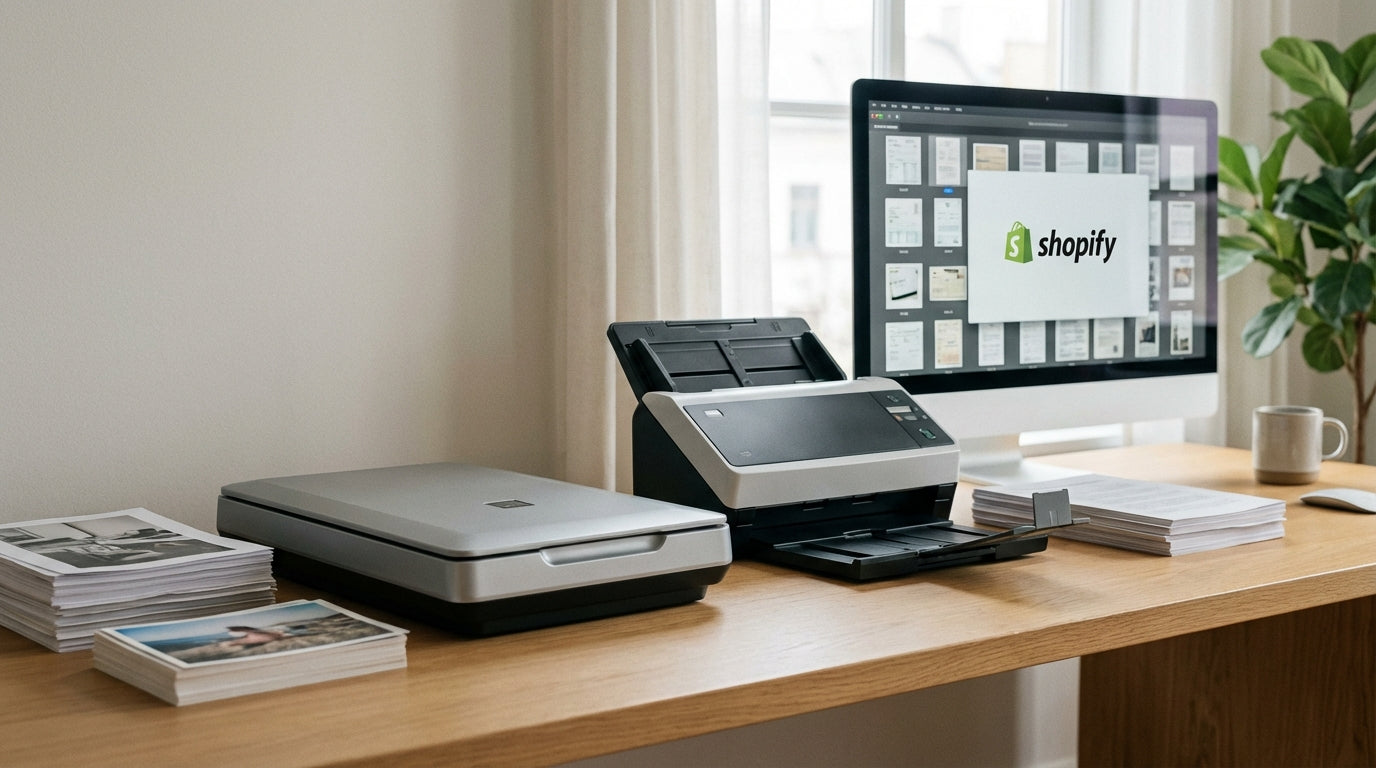
Flatbed scanners provide maximum image quality and can handle bound documents, photos, and delicate papers. They're ideal when quality matters more than speed.
Sheet-Fed Document Scanners
Best for: High-volume document processing, receipts, business cards
Speed: Fast (20-80 pages per minute)
Quality: Good (300-600 DPI)
Volume: High (hundreds of pages daily)
Sheet-fed scanners excel at processing stacks of loose documents quickly. They often include automatic document feeders (ADF) and duplex scanning for two-sided documents.
Portable Document Scanners
Best for: Mobile professionals, small offices, occasional scanning
Speed: Moderate (5-20 pages per minute)
Quality: Good (300-600 DPI)
Volume: Low (under 25 pages daily)
Compact scanners offer convenience and portability but typically sacrifice speed and paper capacity for size.
All-in-One Printers with Scanning
Best for: Small offices needing multiple functions
Speed: Moderate (10-30 pages per minute)
Quality: Good (300-1200 DPI)
Volume: Moderate (50-200 pages daily)
Multifunction devices combine printing, copying, and scanning but may lack specialized document management features.
Key Specifications to Compare
Scanning Speed (Pages Per Minute)
Low volume (under 25 pages daily): 5-15 PPM sufficient
Medium volume (25-100 pages daily): 15-35 PPM recommended
High volume (100+ pages daily): 35+ PPM necessary
Speed ratings often assume single-sided, black-and-white documents. Color scanning and duplex (two-sided) scanning typically run slower.
Resolution and Image Quality
Text documents: 200-300 DPI adequate
Mixed documents with graphics: 400-600 DPI recommended
Photos and detailed graphics: 600+ DPI required
OCR (text recognition): 300 DPI optimal balance of quality and file size
Higher resolution creates larger files and slower scanning. Match resolution to your actual needs rather than always choosing maximum settings.
Paper Handling Capabilities
Document size: Letter, legal, A3, or custom sizes
Paper weight: Business cards (heavy) to thin receipts
ADF capacity: 20-100 sheets typical range
Duplex scanning: Automatic two-sided scanning saves time
Connectivity Options
USB: Standard connection, requires computer nearby
Ethernet: Network scanning, shared access
WiFi: Wireless convenience, mobile device support
Cloud integration: Direct upload to Dropbox, Google Drive, etc.
Essential Features for Different Users
Small Business and Professional Offices
Priority features:
- Duplex scanning for two-sided documents
- 30+ page ADF capacity
- Network connectivity for shared access
- OCR software for searchable PDFs
- Integration with document management systems
Recommended specs: 25-50 PPM, 600 DPI, network connectivity, robust software suite
Home Office and Personal Use
Priority features:
- Compact footprint
- Easy setup and operation
- Basic OCR for text recognition
- Cloud storage integration
- Reasonable price point
Recommended specs: 10-25 PPM, 300-600 DPI, USB/WiFi connectivity, simple software
High-Volume Document Processing
Priority features:
- Maximum scanning speed (50+ PPM)
- Large ADF capacity (80+ sheets)
- Robust paper path for continuous operation
- Advanced image processing (blank page removal, auto-cropping)
- Professional document management software
Recommended specs: 50+ PPM, 600 DPI, network connectivity, enterprise software integration
Mobile and Field Work
Priority features:
- Battery operation
- Compact, portable design
- WiFi/Bluetooth connectivity
- Mobile app support
- Durable construction
Recommended specs: 5-15 PPM, 300-600 DPI, wireless connectivity, lightweight design
Software and Document Management
Optical Character Recognition (OCR)
Purpose: Convert scanned images to editable, searchable text
Quality factors: Font recognition accuracy, layout preservation, language support
File formats: PDF, Word, Excel, plain text
Good OCR software dramatically increases the value of scanned documents by making them searchable and editable.
Document Management Features
Auto-naming: Generate file names based on content or scan date
Folder organization: Automatically sort documents into predefined folders
Batch processing: Scan multiple documents with consistent settings
Image enhancement: Auto-rotate, deskew, remove blank pages, adjust brightness
Cloud Integration
Direct upload: Scan directly to cloud storage services
Synchronization: Keep local and cloud copies in sync
Mobile access: View and manage documents from smartphones/tablets
Security: Encryption and access controls for sensitive documents
Connectivity and Workflow Integration
Network Scanning Benefits
Shared access: Multiple users can access the same scanner
Central storage: Documents automatically saved to network locations
Workflow automation: Trigger actions based on scan completion
Remote management: Monitor and configure scanner settings remotely
Mobile Device Integration
Smartphone apps: Control scanning and preview results
Tablet interfaces: Larger screens for document review and organization
Email integration: Send scanned documents directly via email
Cloud synchronization: Access documents across all devices
Business System Integration
CRM systems: Automatically file customer documents
Accounting software: Import receipts and invoices
Legal practice management: Organize case documents
Healthcare systems: Manage patient records and insurance documents
Installation and Setup Considerations
Physical Setup Requirements
Desk space: Account for document input/output areas
Power requirements: Standard AC power, some portable models use USB power
Ventilation: High-volume scanners generate heat
Accessibility: Easy access to paper path for clearing jams
Software Installation
Driver compatibility: Verify compatibility with your operating system
Network configuration: Set up IP addresses and access permissions
User training: Ensure staff understand basic operation and troubleshooting
Backup and maintenance: Plan for software updates and hardware cleaning
Security Considerations
Network access: Configure user permissions and access controls
Data encryption: Protect sensitive documents during transmission
Audit trails: Track who scanned what documents when
Physical security: Secure access to the scanner and stored documents
Maintenance and Operational Costs
Ongoing Maintenance Requirements
Cleaning: Regular cleaning of glass surfaces and paper path
Calibration: Periodic adjustment for optimal image quality
Software updates: Keep drivers and applications current
Parts replacement: Rollers, pads, and other wear items
Total Cost of Ownership
Initial purchase: Scanner hardware and software licensing
Installation: Setup, training, and configuration
Consumables: Cleaning supplies, replacement parts
Energy costs: Power consumption during operation and standby
IT support: Troubleshooting, updates, and user assistance
Warranty and Support
Manufacturer warranty: Standard coverage period and what's included
Extended warranties: Additional protection for high-use environments
Technical support: Phone, email, or online chat availability
Local service: On-site repair and maintenance options
Choosing Scanners for Specific Document Types
Receipts and Small Documents
Challenges: Thermal paper fading, small size handling, mixed sizes
Scanner features: Adjustable paper guides, receipt-specific software, image enhancement
Recommended approach: Dedicated receipt scanners or small-format sheet-fed models
Legal and Oversized Documents
Challenges: Large paper sizes, binding considerations, archival quality
Scanner features: A3/tabloid support, high resolution, careful paper handling
Recommended approach: Large-format flatbed or wide-format sheet-fed scanners
Photos and Graphics
Challenges: Color accuracy, detail preservation, dust and scratches
Scanner features: High optical resolution, color calibration, dust removal
Recommended approach: High-quality flatbed scanners with photo-specific software
Mixed Document Batches
Challenges: Different sizes, thicknesses, and orientations
Scanner features: Intelligent feeding, auto-size detection, image processing
Recommended approach: Advanced sheet-fed scanners with adaptive paper handling
Frequently Asked Questions
What's the difference between optical and interpolated resolution?
Optical resolution represents the scanner's true detail capture capability, while interpolated resolution uses software to create additional pixels. For document scanning, optical resolution matters most. 300-600 DPI optical resolution handles most business documents effectively.
Can I scan directly to cloud storage without a computer?
Many modern scanners offer direct cloud integration, allowing scanning to services like Dropbox, Google Drive, or OneDrive without a connected computer. This feature requires network connectivity and initial setup through the scanner's interface or mobile app.
How do I choose between single-pass and multi-pass duplex scanning?
Single-pass duplex scanners capture both sides of a document simultaneously, offering faster speeds and better productivity. Multi-pass duplex scanners flip the document and scan the second side separately, which is slower but often more accurate for thin or wrinkled papers.
What file formats should I use for different document types?
PDF works best for mixed documents with text and graphics, offering OCR capabilities and universal compatibility. JPEG suits photos and images, while TIFF provides highest quality for archival purposes. Choose searchable PDF for documents requiring text recognition.
How much should I budget for document scanner software?
Basic OCR and scanning software often comes included with scanners. Professional document management software ranges from $100-500 for small businesses, while enterprise solutions can cost thousands. Consider your workflow automation needs when budgeting.
Do I need a dedicated document scanner if I have a multifunction printer?
Dedicated document scanners typically offer faster speeds, better paper handling, and more sophisticated software than multifunction devices. If you scan more than 50 pages weekly or need advanced features like batch processing, a dedicated scanner provides better value.
Making Your Scanner Selection
Choose a document scanner based on these core factors:
Daily scanning volume: Match scanner speed and capacity to actual usage patterns
Document types: Consider paper sizes, weights, and quality requirements
Workflow integration: Evaluate connectivity options and software compatibility
Physical constraints: Ensure the scanner fits your space and usage patterns
Budget considerations: Include software, training, and maintenance costs
Scanner Selection Checklist
- Calculate daily page volume - count typical scanning loads
- Identify document types - sizes, weights, single/double-sided
- Determine quality needs - resolution requirements for OCR and archiving
- Evaluate workspace - available desk space and network access
- Consider workflow - integration with existing systems and software
- Set total budget - include software licensing and training costs
Ready to streamline your document workflow? Explore our document scanners range at Tecisoft for reliable, business-grade scanners that match your specific scanning requirements and budget.
Ready to find the right solutions for your needs?
Explore Collection




