
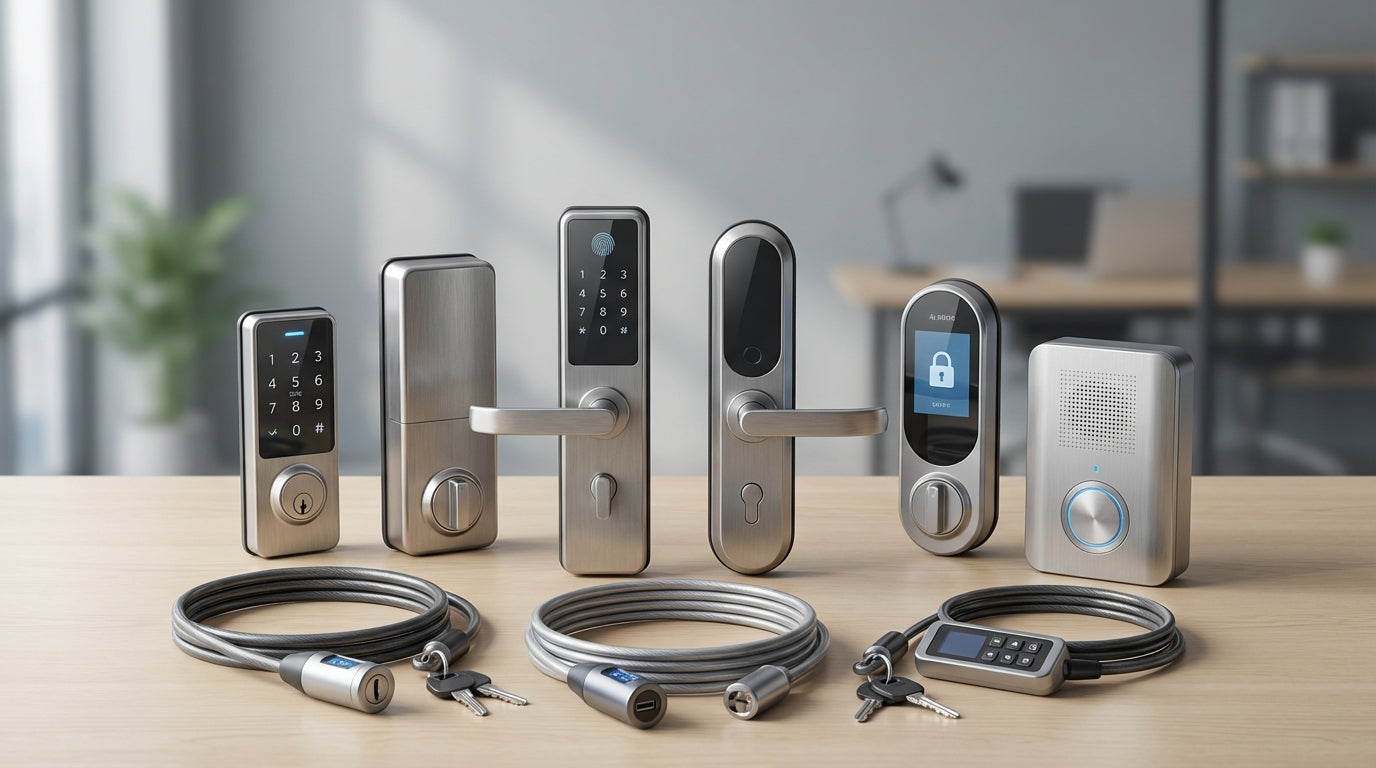
Alarms & Locks Buying Guide: How to Secure Your Devices
Alarms & Locks Buying Guide: How to Secure Your Devices
Physical security for computers, laptops, and IT equipment often gets overlooked in favor of cybersecurity measures, but device theft remains a costly reality for businesses and individuals. Whether you're protecting expensive hardware in an office environment or securing your laptop in a coffee shop, the right combination of locks and alarms can deter theft and give you peace of mind.
Choosing effective device security isn't just about finding the strongest lock—it's about matching security solutions to your specific environment, usage patterns, and threat level. Cable locks, slot adapters, motion alarms, and access controls each serve different purposes in a comprehensive security strategy.
At Tecisoft, we help customers evaluate their device security needs and select physical protection that balances convenience with effective theft deterrence for both business and personal applications.
Understanding Security Slot Compatibility
Most modern laptops and many desktop monitors include built-in security slots, but these come in several standardized formats that require matching lock heads.
Common security slot types:
- Kensington Security Slot (K-Slot): Standard rectangular slot found on most business laptops
- Noble Wedge Slot: Smaller, wedge-shaped opening on some ultrabooks
- Nano Security Slot: Compact round slot for thin devices like some Lenovo models
- Mini Security Slot: Smaller version that's backward-compatible with standard locks
Compatibility considerations:
- Check your device manual or manufacturer website to identify your slot type
- Universal locks with interchangeable heads work across multiple slot types
- Some premium ultrabooks omit security slots entirely—these require adhesive slot adapters
- Measure slot dimensions if unsure, as forcing wrong-sized locks can damage devices
For devices without built-in slots: Adhesive slot adapters bond permanently to your device and provide anchor points for standard security cables. These work well for MacBooks and other premium devices that prioritize aesthetics over security features.
Cable Lock Construction and Security Levels
Security cables serve as visible deterrents and delay tactics rather than impenetrable barriers. The goal is making your device more difficult to steal than nearby alternatives.
Cable specifications that matter:
- Diameter: 6-8mm cables resist cutting better than thinner options
- Material: Galvanized steel with nylon coating provides cut resistance and scratch protection
- Length: 6-8 feet allows anchoring to distant objects; shorter cables reduce attack surface
- Construction: Seven-strand braided cable resists cutting tools better than solid wire
Lock head features:
- Zinc alloy or die-cast metal bodies withstand prying attempts
- 360-degree rotation prevents cable binding and slot wear
- Protective spacers prevent scratches during insertion and removal
- Low-profile design allows laptops to close properly when locked
Security levels in practice:
- Basic locks deter opportunistic theft in low-risk environments
- Heavy-duty models slow determined thieves in higher-risk situations
- No portable lock stops professional thieves with proper tools—the goal is deterrence
Keyed vs. Combination Lock Mechanisms
Your locking mechanism choice affects both daily convenience and long-term management, especially for businesses managing multiple devices.
Keyed locks advantages:
- Quick access—no time spent entering combinations
- Master key systems allow IT departments to manage entire device fleets
- Keyed-alike options use identical keys across multiple locks
- Replacement programs help recover from lost keys
Keyed locks considerations:
- Keys can be lost, copied, or stolen
- Small keys are easily misplaced
- Forced entry can damage the lock mechanism
Combination locks advantages:
- No physical keys to manage or lose
- 3-digit locks offer 1,000 combinations; 4-digit provides 10,000
- Resettable combinations allow changing codes when needed
- Ideal for shared or temporary device deployments
Combination locks considerations:
- Slower to unlock, especially in poor lighting
- Combinations can be observed by others
- Forgotten codes require reset procedures
Business deployment recommendations:
- Small teams (5-20 devices): Keyed-alike for simplicity
- Large deployments: Combination locks reduce key management overhead
- Mixed environments: Master-keyed system with different levels of access
Cable Length and Anchoring Strategies
Effective cable locks require secure anchor points that thieves cannot easily defeat or bypass.
Cable length considerations:
- 6 feet: Standard length for desk and chair anchoring
- 8+ feet: Allows anchoring to distant immovable objects
- Coiled cables: Compact when not in use, extend as needed
- Shorter cables: Reduce leverage opportunities for attackers
Effective anchoring techniques:
- Heavy furniture: Desk legs, file cabinets, workbenches
- Permanent fixtures: Radiators, built-in shelving, structural elements
- Specialized anchor points: Under-desk cable management systems with security eyelets
- Avoid: Light furniture, power cords, or anything easily moved
Installation best practices:
- Route cables to minimize visibility and accessibility
- Avoid sharp edges that could weaken cable over time
- Leave enough slack for normal device positioning
- Test anchor points by applying reasonable force
- Consider multiple anchor points for high-value equipment
Motion Alarms and Access Controls
Physical alarms add an active security layer that alerts you to tampering attempts, even when locks are defeated.
Motion-activated alarms:
- Vibration sensors: Detect movement or tampering attempts
- Tilt sensors: Trigger when devices are lifted or moved
- Volume levels: 100+ decibel sirens deter theft and attract attention
- Power options: Battery-operated for portability, USB-powered for permanent setups
Access control features:
- USB port locks: Prevent unauthorized data access via physical ports
- Power outlet locks: Secure charging cables and prevent tampering
- Screen privacy filters: Prevent visual eavesdropping while working
- Keyboard locks: Disable input when devices are unattended
Alarm integration considerations:
- Battery life for portable units (typically 6-12 months)
- False alarm sensitivity—adjust for normal office vibrations
- Remote monitoring capabilities for business deployments
- Integration with existing security systems
Business vs. Personal Security Needs
Security requirements vary significantly between personal use and business environments, affecting both product selection and deployment strategies.
Personal use priorities:
- Portability: Compact locks for travel and mobile work
- Quick access: Combination locks or easily managed keys
- Cost-effectiveness: Single-device solutions
- Flexibility: Universal compatibility for multiple personal devices
Business environment requirements:
- Scalability: Bulk purchasing and deployment capabilities
- Management: Master key systems or centralized combination management
- Compliance: Meeting insurance or regulatory security requirements
- Integration: Compatibility with existing IT infrastructure
- Replacement: Service programs for lost keys or damaged locks
Risk assessment factors:
- Environment: Office, public space, home, or travel use
- Device value: Hardware cost and data sensitivity
- Theft likelihood: Local crime rates and security awareness
- Insurance requirements: Some policies mandate physical security measures
Installation and Maintenance Best Practices
Proper installation and regular maintenance ensure your security investment provides reliable protection over time.
Installation checklist:
- Verify compatibility before purchasing—measure slots and check specifications
- Test fit gently before applying full force
- Identify anchor points that cannot be easily compromised
- Route cables to minimize wear and tampering opportunities
- Document configurations for business deployments
Maintenance requirements:
- Regular inspection: Check cables for fraying, corrosion, or damage
- Lock operation: Ensure smooth key or combination operation
- Anchor point integrity: Verify furniture and fixtures remain secure
- Update procedures: Change combinations periodically for sensitive environments
Troubleshooting common issues:
- Stuck locks: Use graphite lubricant, never oil-based products
- Worn cables: Replace immediately—damaged cables provide false security
- Loose anchor points: Reinforce or relocate to more secure positions
- Lost keys: Contact manufacturer replacement programs immediately
FAQ
Do laptop locks actually prevent theft or just deter it?
Laptop locks primarily serve as deterrents rather than absolute barriers. A determined thief with proper tools can defeat most portable locks, but the goal is making your device less attractive than unprotected alternatives nearby. The visible presence of security measures often causes thieves to move on to easier targets.
Can I use the same lock for different laptop brands and models?
Universal locks with interchangeable heads work across most device types, but you need to verify slot compatibility first. Kensington slots are most common, but some ultrabooks use proprietary designs. Check your device manual or manufacturer website to identify your specific slot type before purchasing.
How long should my security cable be for office use?
Six to eight feet provides good flexibility for most office setups, allowing you to anchor to desk legs or nearby furniture while maintaining normal device positioning. Longer cables increase versatility but also provide more material for attackers to work with, while shorter cables limit your anchoring options.
Are combination locks more secure than keyed locks?
Both offer similar physical security levels—the main difference is management convenience. Keyed locks provide faster access but require key management, while combinations eliminate key concerns but take longer to operate. For businesses, consider master-keyed systems or combination locks depending on your management preferences.
What should I do if my device doesn't have a built-in security slot?
Adhesive slot adapters provide anchor points for devices without built-in slots. These bond permanently to your device and work with standard security cables. While not as elegant as integrated slots, they offer effective protection for premium ultrabooks and tablets that omit security features.
Do I need motion alarms in addition to cable locks?
Motion alarms add an active security layer that alerts you to tampering attempts even when you're not nearby. They're particularly valuable in shared offices, public spaces, or when leaving devices unattended for extended periods. The combination of physical restraint plus audible alerts provides more comprehensive protection than either solution alone.
Securing Your Devices Effectively
Choosing the right device security comes down to matching protection levels to your specific risk environment and usage patterns.
Your device security selection checklist:
- Assess your environment - Determine theft risk level and typical usage scenarios
- Verify device compatibility - Identify security slot types and measure dimensions
- Choose lock mechanism - Keyed for speed, combination for key management simplicity
- Select appropriate cable length - Match to your anchoring options and portability needs
- Consider additional features - Motion alarms, access controls, or privacy screens
- Plan for management - Key replacement, combination updates, or bulk deployment needs
Start with basic cable locks for low-risk environments, then add motion alarms or access controls as your security requirements increase. Focus on consistent use—the best security device only works when it's actually deployed.
Ready to protect your valuable devices from theft and unauthorized access? Explore our complete alarms & locks range at Tecisoft for professional-grade security solutions that balance protection with everyday convenience.
Ready to find the right solutions for your needs?
Explore Collection




