
Conquer the Cable Chaos: How to Keep Your Office Space Tidy with Cable Management Solutions
In almost every modern office, technology is omnipresent. From monitors and computers to chargers and peripherals, our workspaces are increasingly wired. While these connections are essential, the tangle of cables they often create can be a source of frustration, inefficiency, and even distraction. A messy cable situation isn't just an eyesore; it's a hidden productivity drain.
The good news? Achieving a clean, organized, and professional office space is entirely possible with effective cable management solutions. By taming the spaghetti monster beneath your desk, you'll improve aesthetics, boost safety, and enhance your overall workspace efficiency.
The Hidden Costs of Cable Clutter:
Before diving into solutions, let's understand why managing cables is so important:
-
Aesthetic Mess: A jumble of wires looks unprofessional and creates a sense of disorganization.
-
Safety Hazard: Loose cables are tripping hazards and can cause equipment to be pulled off desks.
-
Reduced Airflow: Clustered cables can block ventilation on devices, leading to overheating and reduced equipment lifespan.
-
Maintenance Headaches: Troubleshooting connection issues or adding/removing devices becomes a nightmare in a tangled mess.
-
Dust Accumulation: Cable bundles are magnets for dust and grime, making cleaning difficult.
-
Lost Productivity: Time spent untangling, searching for ports, or dealing with connection issues adds up.
Your Arsenal for Organization: Essential Cable Management Solutions
Here's how to transform your chaotic cables into a neat, efficient system:
1. Under-Desk & On-Desk Organization:
-
Cable Trays & Baskets: These are ideal for mounting underneath your desk to hold power strips, excess cable slack, and power bricks. They keep wires off the floor and out of sight.
-
Cable Management Boxes: Simple, often stylish boxes designed to conceal power strips and bundles of excess cable, making your setup look much cleaner and protecting cords from dust and pets.
-
Desk Grommets: If your desk doesn't have them, consider adding circular or rectangular grommets. These are holes with covers that allow cables to pass through the desk surface neatly, right where you need them.
-
Cable Clips & Holders: Small adhesive clips or magnetic holders can be attached to the edge of your desk or monitor stand to keep charging cables for phones, laptops, or peripherals easily accessible and from falling to the floor.
2. Bundling & Routing Solutions:
-
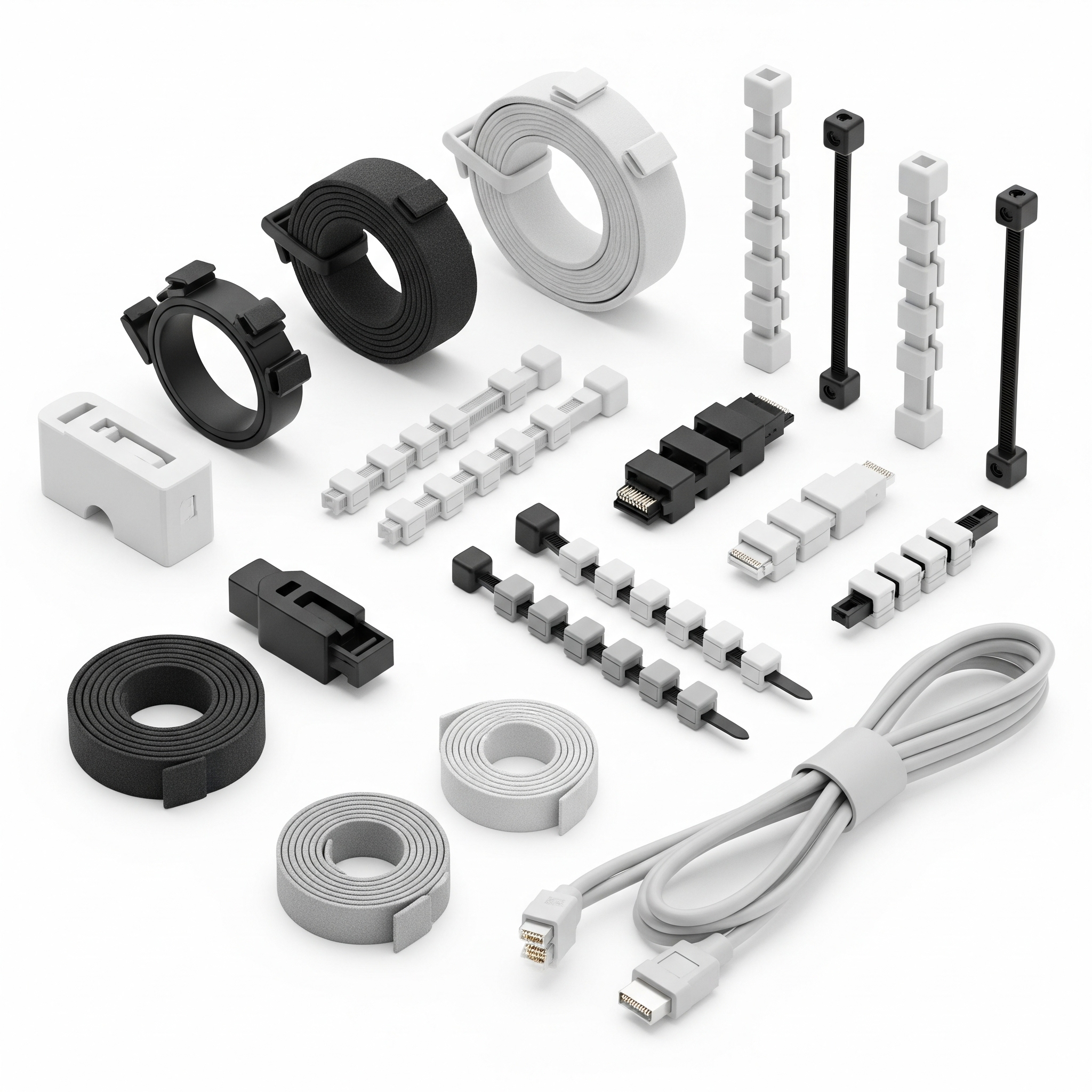
Velcro Cable Ties/Straps: Far superior to zip ties for office use, Velcro straps are reusable, adjustable, and gentle on cables. Use them to bundle groups of cables together.
-
Cable Sleeves & Wraps: These flexible tubes or wraps enclose multiple cables into a single, clean bundle. They're great for vertical runs from the floor to your desk or along the back of a monitor arm.
-
Spiral Wrap: A flexible plastic spiral that can be wrapped around a bundle of cables, offering both organization and protection.
-
Cable Raceways/Concealers: For cables running along walls or baseboards, raceways are channels that hide wires completely, offering a very clean, professional look. They can often be painted to match your decor.
3. Power Management & Device Consolidation:
-
Quality Power Strips & Surge Protectors: Essential for protecting your electronics. Look for strips with ample outlets and a good surge protection rating. Mounting them in a cable tray or box is ideal.
-
USB Hubs & Docks: Reduce the number of cables running to your computer by using a single USB hub or docking station to connect multiple peripherals.
-
Wireless Chargers: Minimize charging cables for phones and other compatible devices by integrating a wireless charging pad into your desk setup.
-
Network Switches: In server rooms or shared office spaces, a well-placed network switch with appropriately sized patch cables can drastically reduce cable runs from individual devices back to a central router.
Best Practices for a Lasting Tidy Space:
-
Plan Your Layout: Before you even plug things in, visualize how your cables will run.
-
Label Everything: Use labels on both ends of cables, especially if you have many similar ones. This will save immense time during troubleshooting or upgrades.
-
Use Appropriate Lengths: Avoid overly long cables that create excess slack. Buy cables that are just long enough for their purpose.
-
Separate Power & Data: Where possible, run power cables and data cables on different paths (e.g., one side of a desk, one side of a rack) to prevent electromagnetic interference.
-
Regular Maintenance: Dedicate a few minutes periodically to check for new tangles, dust accumulation, or loose connections.
-
Go Wireless When Possible: For peripherals like keyboards, mice, and even printers, wireless options can drastically reduce the number of cables on your desk.
Don't let cable chaos detract from your office's efficiency or aesthetic. By investing in and consistently applying these cable management solutions, you'll create a safer, cleaner, and far more productive workspace that truly supports your work, rather than hindering it.





